Forum Discussion


EA_Leeuw Community Manager
1 month agoCommunity ManagerHi there,
Thank you for your post.
I’ve moved your thread to the EA app section of the forums, as your concern appears to relate specifically to the EA app rather than EA in general.
From your message, it sounds like you believe the EA app may be using excessive system resources (such as high CPU usage). The EA app is not designed to max out hardware resources under normal conditions, so if that is happening, we would definitely want to investigate further.
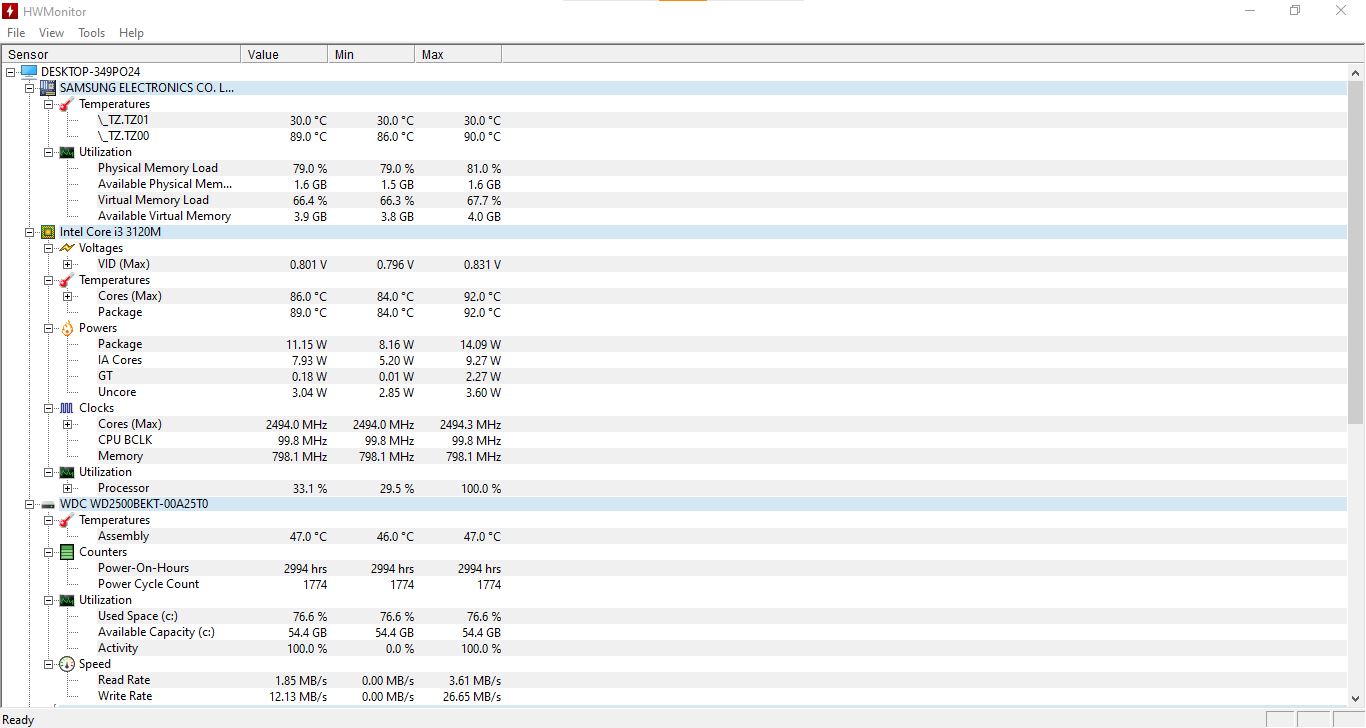
However, the screenshots you’ve shared do not show which specific application is using the reported CPU resources. They only show overall usage at the time Task Manager was open, and they do not identify the EA app as the source. Because of that, we’re unable to use those images as proof of an EA-related issue.
To better identify what’s happening, please open Task Manager and sort processes by CPU usage (click the “CPU” column to sort descending). This will show which program is using the most resources at the top of the list. If the EA app is listed there with unusually high usage, please share a screenshot clearly showing the process name and usage percentage so we can review it with you.
If the EA app is not the process consuming the resources, the issue is likely being caused by a different program running on your system.
We’ll be happy to take a closer look once we have more specific information.
Thanks.
Featured Places