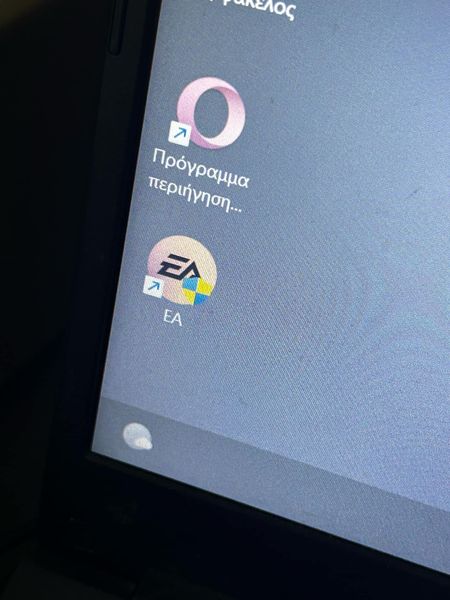
what is this


 Community Manager
You can right-click on the EA app icon, go to Properties > Compatibility Tab > Uncheck the box "Run this program as administrator"

Thank you 😃
Community ManagerYou're welcome! :) Feel free to post again if you need anything else!
Sorry about that but it keeps showing up on the app. Am I doing something wrong or is there something else?
Community ManagerIf it keeps showing on the icon, you might need to tweak some Windows settings, such as lowering the User Account Control settings, which I wouldn't recommend as it is designed to prevent unauthorized changes to Windows.
You can learn more here: User Account Control settings




