Forum Discussion
21 Replies
 EA_Leeuw2 years ago
Community Manager
Hi all,
Thank you for the new examples.
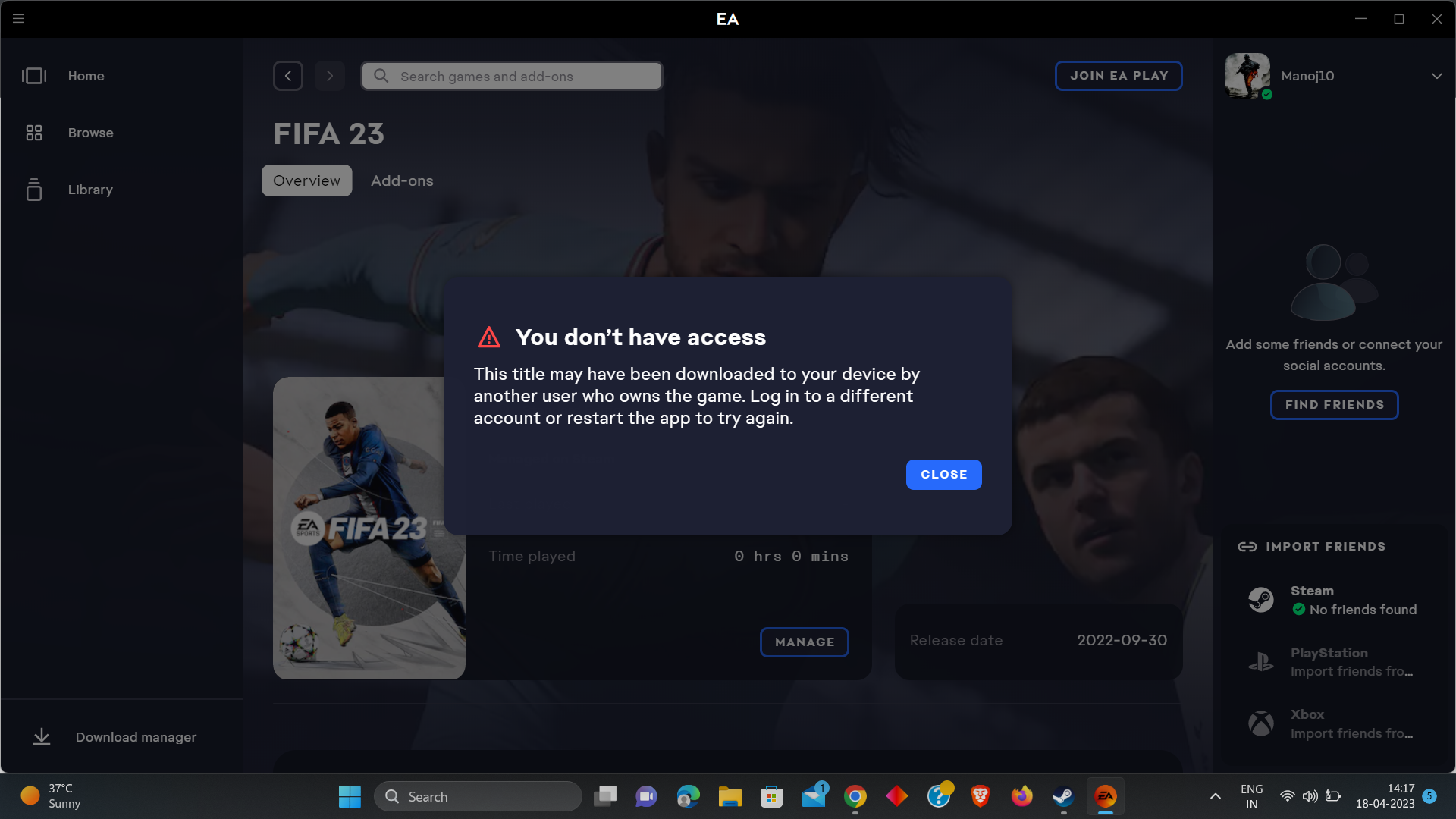
The teams have checked the logs and it appears that in many cases the "You Don't Have Access" error in EA app is being caused by clobbered installs of the games, especially via Steam.
The recommended troubleshooting steps are to follow these steps in the order presented:
- Perform an EA app recovery in EA app (open EA app menu (top left) --> Help --> EA app recovery),
- Perform a repair in Steam (right-click on the game in Steam --> Properties --> Local files --> Verify integrity of game files),
- Launch the game from Steam.
Please let us know how it goes.
In regards to my issue with PGA Tour Golf, I do not have it in Steam. I only accessed it through the EA App. I have done the Recovery in the EA App and Repaired the Install of the Game itself and still get the same message.
- @EA_Leeuw Unfortunately, that didn't work. I did step one, did step 2 and then did a fresh install through steam of Andromeda and it still doesn't work. I even unlinked my steam account and re-linked it, still doesn't work. The EA App still thinks that I dont have the correct version on Steam installed.
Report ID: 6ae686e5-84c0-4e55-914b-46d39dec487a - EA_Leeuw2 years ago
@Torean0318, @Manoj10, just to 100% confirm; you both get the "You Don't Have Access" error in EA app, no other error, right?
And you're sure that:
- You're signed in with the correct EA account in the EA app,
- Signed in with the correct Steam or Epic account in either Steam or Epic,
- You're not trying to launch the game via a desktop shortcut or the EA app,
- Your Anti-Virus is not blocking the game, Steam/Epic or the EA app,
- You have sufficient Windows Administrator privileges?
- @EA_Leeuw That's correct, both my EA and Steam accounts are linked with the same mail id and on EA sites MyAccount page I can see it as linked too, not starting the game by the shortcut, trying to launch it via steam, antivirus is not blocking it either and have the sufficient Administrator privileges on my machine.
- EA_Leeuw2 years ago@Manoj10, thank you, I really appreciate the extra info.
Yes, I have tried and checked all your mentioned. I don't really understand why I should use/link Steam with EA play app if the game I tried to launch were downloaded from the EA app itself, however, I have done it anyways.
I have other games in EA app that work with no issue, only NFS Unbound is not.
Any solution to this?
Regards,
@EA_LeeuwLast night and today my error now says "An error on our end caused your launch to fail". Before that, it was the "You don't have access" error. Reinstalled it again to respond to your question and it threw up the "Error on our end". I will look for an appropriate thread to further post error ids in until the access error comes back
Edit: I noticed that the EA App doesnt recognize Mass Effect Andromeda as uninstalled when I uninstall through steam. I believe this is the source of my current issue and made a post and an error ID describing my issue as now I am not receiving the "You dont have access" error
@EA_Leeuw any updates or any progress on resolving this error?
Cause from the day I bought the game haven't even played a second of it due to this error and its really frustrating 😑Please do come up with a solution before all hope is lost on EA
- EA_Leeuw2 years ago
@Torean0318 wrote:
@EA_Leeuw Unfortunately, that didn't work. I did step one, did step 2 and then did a fresh install through steam of Andromeda and it still doesn't work. I even unlinked my steam account and re-linked it, still doesn't work. The EA App still thinks that I dont have the correct version on Steam installed.
Report ID: 6ae686e5-84c0-4e55-914b-46d39dec487a@Torean0318, this is indeed what we see in the error ID as well, this is causing the error for you. You have to make sure that the Steam version of the game, which is usually installed in 'C:\Program Files (x86)\Steam\steamapps\common' etc. Please make sure that every piece of the game is removed from your system before installing it again via Steam. Unlinking and relinking accounts can also cause potential issues.
@Manoj10 wrote:
@EA_Leeuw That's correct, both my EA and Steam accounts are linked with the same mail id and on EA sites MyAccount page I can see it as linked too, not starting the game by the shortcut, trying to launch it via steam, antivirus is not blocking it either and have the sufficient Administrator privileges on my machine.@Manoj10, the teams have checked your error ID as well. For you, it looks like this has nothing to do with the EA app and/or any 3rd party launcher itself, but it looks like you have some connection issues and therefore the EA app can't connect to the servers. Please make sure that you do not have a VPN active and that your Anti-Virus or Firewall allows the EA app and all other related services to connect to the internet.
Thanks for the response @EA_Leeuw , after your comments
- I double checked if there was any VPN on my machine but found nothing for that.
- Tried seeing if the firewall was blocking the access of internet to EA, but my McAfee controlled firewall is allowing access to all the apps of EA and attached a SC for the same.
Inserting a newly generated Error report ID from EA app, please do have a look at this and help me resolve this issueEA app Error ID: a7906001-4968-4058-a59d-1cd38de63548
Game(s): FIFA 23
Date/time: April 18 17:27 p.m. IST
Launcher: Steam- EA_Leeuw2 years ago@Manoj10, could you try to disable McAfee and check again?
- @EA_Leeuw Did that now, but still throws the same error 😞
- EA_Leeuw2 years ago
Tried that too @EA_Leeuw , but it did not work, still seeing the "You don't have access error".
Following the instructions from the link you shared, please find the attached msInfo32 report of my machine.(P.S. noticed one other thing, every time I either restart the EA app or do a App recovery after it boots it does not show the game from my library straight away, instead there appears a pop-up reading this - "Things are taking little longer than usual to load up. Hang tight while we try to solve the problem", upon which I exit the EA app from my task bar and start it again which seems to solve the above mentioned problem)
- EA_Leeuw2 years ago
Hey @Manoj10,
Cheers for trying either way.
The teams have checked your new Error ID again and it still looks like something on your system is blocking the EA app and its processes, and therefore also causing the error message.
If a clean boot didn't help, it's possible that the Windows firewall itself is blocking the requests (For reference, this other user here had a similar problem on Windows 11, and they managed to resolve it by configuring the Windows firewall).Our suggestion is to make sure the following processes are explicitly whitelisted in the Windows firewall while doing a clean boot:
- EABackgroundService.exe
- EAConnect_microsoft.exe
- EADesktop.exe
- EALocalHostSvc.exe
- EASteamProxy.exe
- Link2EA.exe
Especially the "EABackgroundService.exe" seems to be the one that's being blocked access to the network.
- @EA_Leeuw
Error ID c330dd36-4dbd-4bf5-b323-45b2512c7532
Problem still persisting. 15 games that are installed in Origin Files are missing from the EA App Game library. Unable to re-download them as comes up with error and if trying to launch game from it's .exe file, then the I get the 'You don't have access', though only have 1 profile and only ever had 1
All .exe files also allowed through firewall. Tried everything... Hi @EA_Leeuw Thanks for checking the error-id again, and thanks again for the response.
But unfortunately none of those things I did as you mentioned are able to solve the error, have excluded those .exe files from firewall and real time scanning on my machine, also attached here are the images of the same.Its been a long while since the time I bought the game, haven't even booted it up once and still not able to get rid of this error, please let us use origin app if your EA is so buggy and continue to enjoy the games we purchased, it really feels cruel from an organization that is so reputed to have these kind of issues.
Please do come up with a permanent fix in time, until its too late.....
- EA_Leeuw2 years ago
@Manoj10, some more information:
It looks like you're setting the inbound rules, which is incorrect. The EA processes are being blocked from access to the outside internet, so outbound rules is what's needed here.But instead, we suggest that first, you temporarily disable the Windows Firewall & Anti-Virus entirely* to eliminate any potential misconfiguration similar to the above.
Once you are sure disabling the Windows Firewall & Anti-Virus fixes the problem, then you can set any rules rule and re-enable the Windows Firewall & Anti-Virus for better security.
@EA_Leeuw ,I'm not setting any rules its the system that's creating it.
Tried your approach of temporarily disabling antivirus and firewall and ran the game from steam again, but still "You don't have access error" persists!
Please find attached the images for the same.
- @EA_Leeuw any solution regarding this yet? because its been close to a month since the time I bought the game and haven't booted it up even once.
Have tried Games from other platforms on Steam like Rockstar and Ubisoft dont face any issues only have this with EA. Please do come with a solution!


Featured Places