Re: EA app Error "An update is required to launch this game..."
I was having this problem for the last few days, but I found a way that worked for me.
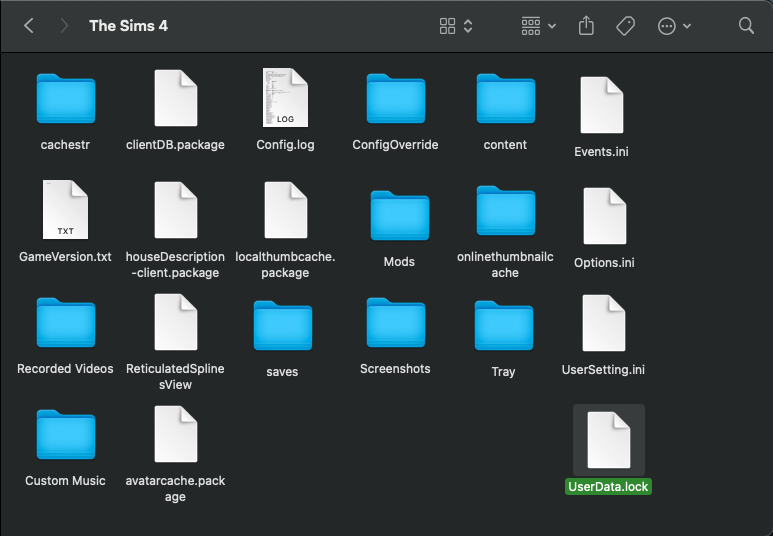
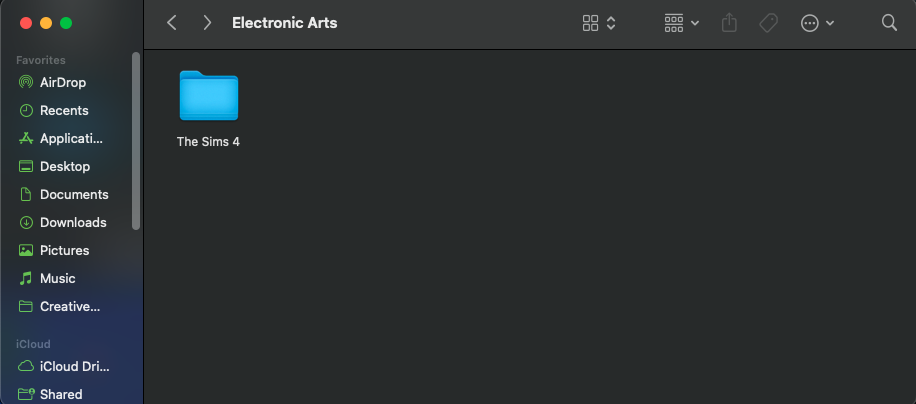
I took the full 'Sims 4' file out of the 'Electronic Arts' folder file (not deleting it, just putting it on my desktop), and started the game and it opened like a new game. Then I exited the game without saving and in the EA folder it created a new 'Sims 4' file with all the folders. Then one by one I took a folder or file out, for example, the 'Mods' folder, put it on my desktop (again, not deleting just in case something goes wrong) and put my old 'Mods' folder in the newly created 'Sims 4' folder.
I did this until the game wouldn't open and crash like it had been previously and for me, it was the 'Options.ini' file. I then put the newly created 'Options.ini' file back in and the game worked again so that was the problem. It got rid of my saved options in the options menu but that was an easy fix to set everything back to how it was.