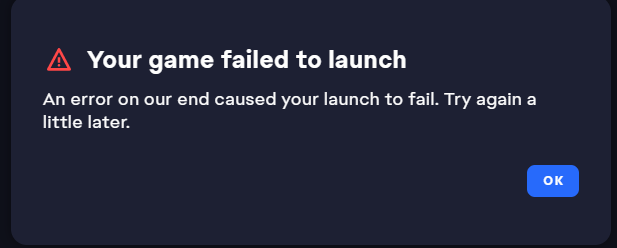
Re: New EA launcher won't launch Star Wars Jedi Fallen Order Steam version
Hey! I had this same problem and this is what worked for me:
Navigate the the location on your PC where your .exe is saved. Mine is as follows:
C:\Program Files (x86)\Steam\steamapps\common\Jedi Fallen Order\SwGame\Binaries\Win64
You should see two executables in this folder: starwarsjedifallenorder and SwGame-Win64-Shipping. I believe Steam defaults to the first option which attempts to launch through the EA app and doesn't work. Whatever the reason, if you launch the second option it should work. I would just create a desktop shortcut for the second option for ease of access. I hope this helps! EA support was unhelpful. The simply suggested I reinstall the game (which I already did) or buy it on EA (yeah, no).
Best of luck!
Micah