Forum Discussion

EA_Leeuw's avatar
EA_Leeuw
Icon for Community Manager rankCommunity Manager
2 years ago

Re: [NEW Oct. 2024] - EA app and Error Code EC:204


RESOLVED - Post Marked as Solution for Visibility

Hey everyone,

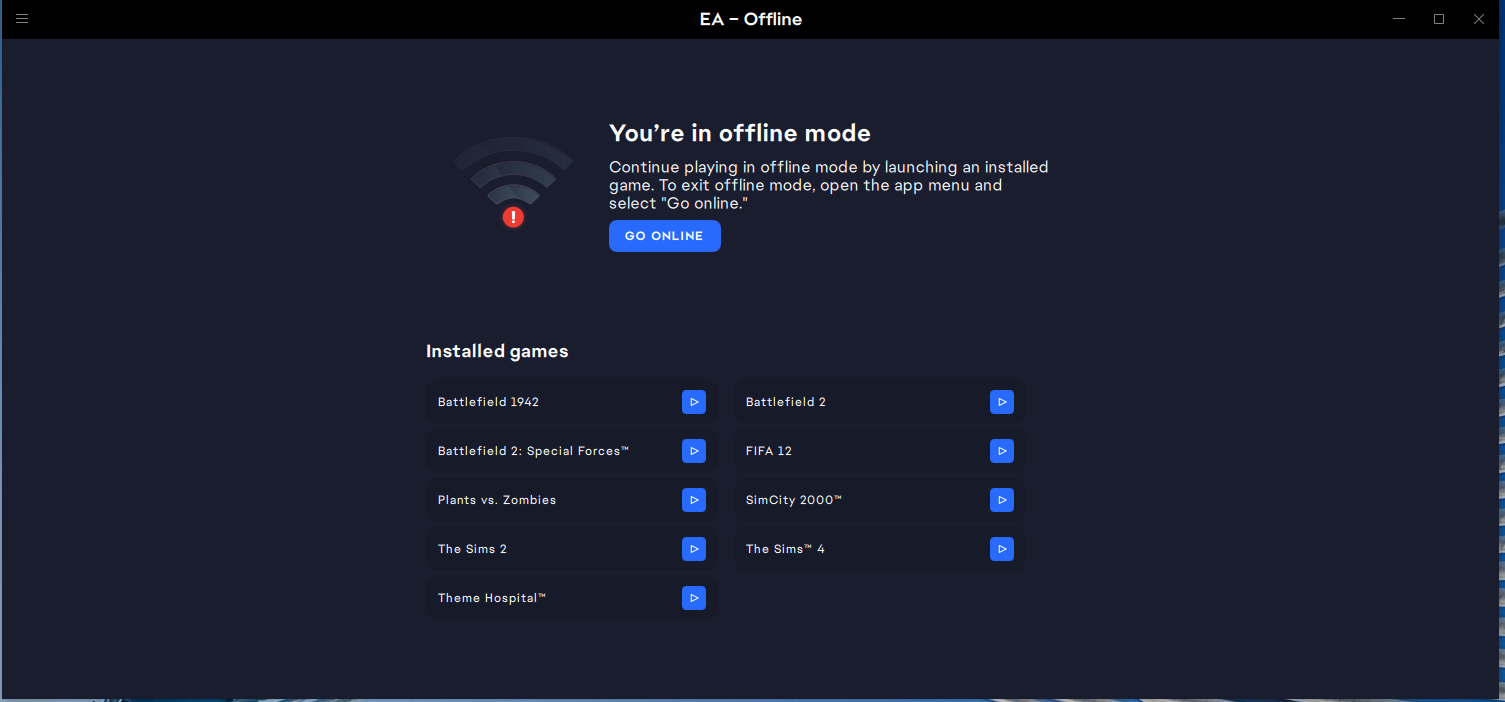
Thanks for bringing up the issue with the EA app and Error Code EC:204 when going offline or trying to launch games with offline support like The Sims 4.

I can confirm that the EA app team released a new version (13.310.1.5818) last night, which includes a fix for this issue. The update should resolve the EC:204 error when going offline or launching offline-compatible games like The Sims 4. You should no longer encounter this problem.

The EA app should update automatically to this version. However, on Windows, you can manually check for updates by following the steps here. Unfortunately, this isn’t possible on macOS at the moment, but the update should install automatically the next time you open the client after last night’s fix went live.


If you’re still seeing the EC:204 error, click on the Spoiler

Spoiler

If you’re still seeing this error, please check which version of the client you're running by following the steps here, make sure it's updated, clear the app's cache, and if the issue persists, provide the following details:

  • When was the last time you successfully connected to the EA app with an internet connection? (Please provide a date in the format like Oct. 8, 2024, or Sept. 21, 2024.)

  • Which game(s) are you trying to launch?

  • Are you playing on PC or Mac?

  • What is your currently installed version of the EA app?

  • What version of Windows or macOS are you using?

  • Please generate and share your EA app Error Reporter ID, and include it in your (new) post on this thread.

  • When does this error occur? Is it when you manually set the EA app to offline mode and then try to launch an offline-play-supported game? Or does it happen when your machine has already lost internet connection and you attempt to launch a game?

Thanks!

5 Replies

  • sanjayaloria's avatar
    sanjayaloria
    Rising Scout
    2 years ago

    Ea Leeuw yes lhe latest version of ea app resolved the issue with ea app offline mode errror code 204 but one game was showing error code 204 game license is expired error even before prevoius ea app patch did problems to other games but his game still showing up same error while other other ea games are working fine in offline mode.below I am mentioning details you requested.

    when was last time you connected to internet- Oct. 10,2024

    which game you are trying to launch- Battlefield 2 completion colletion

    are you playing on pc or mac-pc

    what is currently installed version of ea app installed on your pc-13.314.0.5827

    what version of windows or mac you are using-Windows 10 home 64 bit version 22h2 os build 19045.5011

    ea app error reporter id-d13ac261-9872-4306-91e7-7ac8ad898704

    when did this rror occur-This error occures when I put ea app in offline mode with ea app s go offline button

    I mention one more thing after an older ea app update batttlefild 2 completion showing as two games and that why I am uploading a screenshot of my ea app library as well.

  • LixyQuinn170's avatar
    LixyQuinn170
    Seasoned Ace
    2 years ago

    Hi there!  Ea Help via X (Twitter) recently communicated:

    "We fixed the issue with offline play on the EA app. Follow these steps to get back to gaming.

    1. Uninstall the EA app, then install the latest version: http://ea.com/ea-app

    2. Log in and launch your game online.

    3. Close and open the app again, then select offline mode."

  • bwlangel712's avatar
    bwlangel712
    Seasoned Novice
    2 years ago

    How do you force the EA app to update? I'm still getting the error. I don't see the EA updater.exe

  • Missiey4477's avatar
    Missiey4477
    Seasoned Newcomer
    2 years ago

    I just bought Sims medieval and i can't launch it. It says Game license is invalid both online and offline. I uninstalled the EA app and the game, cleared cache in the app and manually, recovered the app, repaired the game, went into the task manager and changed the prossesor affiniy, checked the firewall for blockage, NOTHING. I even chatted wih an EA supporter for 2h and he could not help me either. Soooo help, anyone?

  • EA_Leeuw's avatar
    EA_Leeuw
    Icon for Community Manager rankCommunity Manager
    2 years ago

    Since the issue has been resolved and no new reports have come in, the thread will be closed.

  • itslizdarling's avatar
    itslizdarling
    Rising Novice
    11 months ago

    I'm having this issue starting today, attempting to play The Sims 4 offline. My app is fully up to date (I've cleared cache, and even just uninstalled/reinstalled the app just now). I have full internet access, can toggle between online/offline mode, but cannot play when offline without receiving an EC204.

    I am unwilling to update my game, as we're now seeing reports of DISSOLVING SAVES (???)  in the game.

    Can we reopen this thread?

  • AleksPav8's avatar
    AleksPav8
    New Novice
    7 months ago
    • Connected to EA App 27th May 2025.

    • Game: Command and Conquer 3 TW and KW

    • Playing on PC

    • EA App version 13.468.0.5981
    • Windows 11 Pro 23H2 os build 22631.5335
    • Problem occurs when app is in offline mode or looses internet connection for too long and reverts to offline mode.
  • AleksPav8's avatar
    AleksPav8
    New Novice
    7 months ago

    EA App Error Reporter ID 09aed237-3097-4a99-80ff-1147b08190de

Featured Places

Node avatar for EA app Technical Issues & Bugs

EA app Technical Issues & Bugs

Having issues with the EA app? Join us to report bugs, and find help with downloads, DLCs, purchases, and login errors.Latest Activity: 3 years ago
8,466 Posts