Solved
Forum Discussion


2 years ago
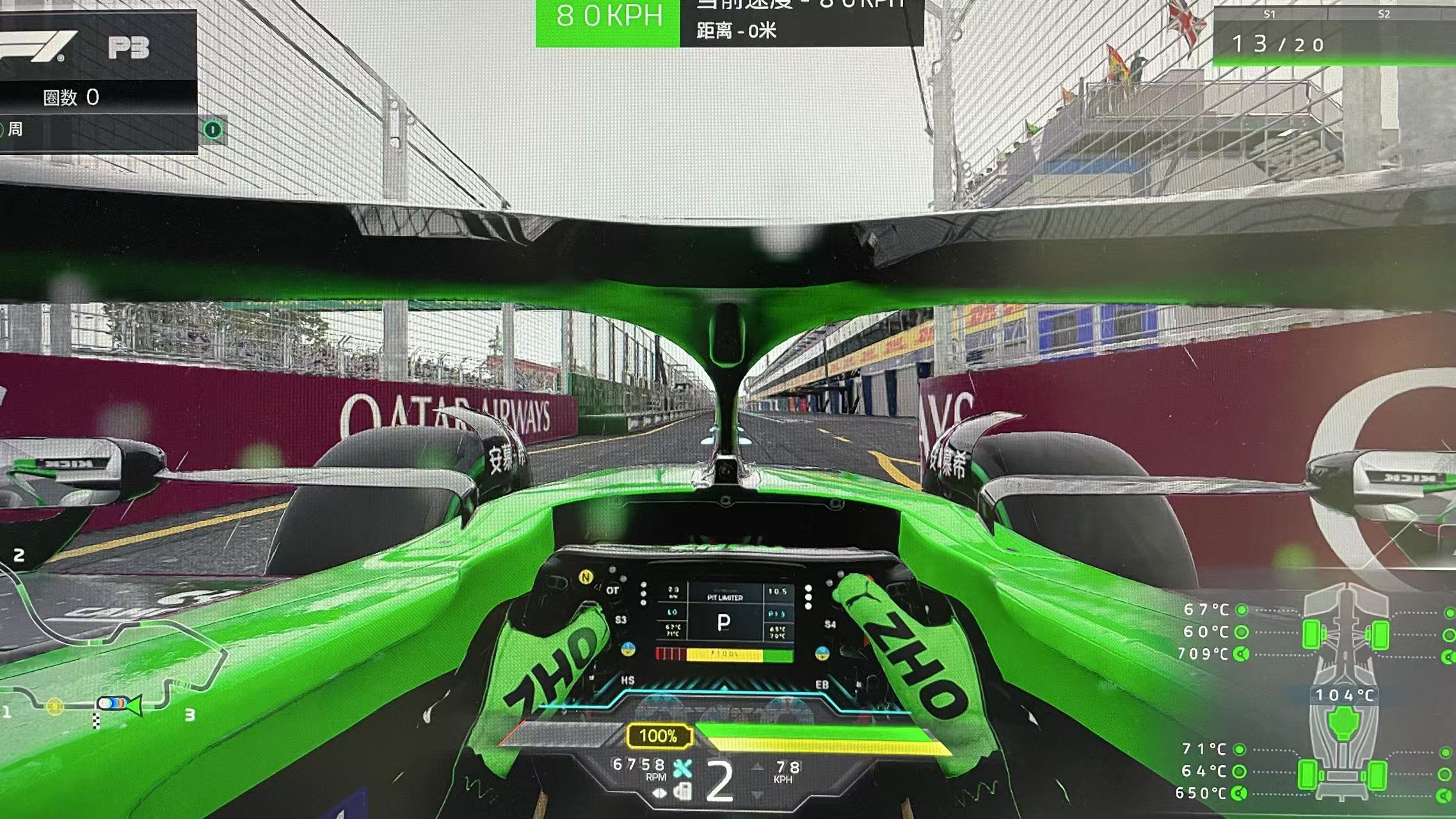
@EA_cuervo I FIXED IT!!
I don't know why, but after I updated Windows 11 it all started working as it should.
I don't know why, but after I updated Windows 11 it all started working as it should.

EA_cuervo Community Manager
2 years agoCommunity Manager@Str_Leone_02 I'm glad this is fixed for you, thanks for letting us know!
For anyone else still experiencing this problem, could you please delete the hardware settings as explained in this post "Unexpected Graphical Issues 🛠️ Troubleshooting Steps" and let us know how that goes.
 Nico22059711 months agoSeasoned Novice@EA_cuervo Thanks - that fixed it!
- EA_cuervo11 months ago@Nico220597 I'm glad it's working for you! Just to confirm, which step fixed it for you? Deleting the hardware settings file?
- Nico22059711 months agoSeasoned Novice
Yes, deleting the folder content worked... Thanks!
 SteveJackson11 months agoHero (Retired)
I’m not debating whether or not this worked.
There is no logical reason why resetting your graphics settings should have a bearing on your ability to pit.
As I’ve more than alluded to before, there are some “bucket” settings that CM have long lost the levers for.
Game engine is really an issue. Because it can’t be trusted at update patching nor much else.
- EA_cuervo11 months ago@Nico220597 Thanks for your reply! Have fun!
 jorgematheusbr9 months agoNewcomer
Every time I delete the contents of the folder, it just comes back before I can even run the game.
Featured Places

F1® 24 Technical Issues
Having issues with a crash, freeze or error? Join the F1® 24 community to discuss troubleshooting.Latest Activity: 5 days agoCommunity Highlights
- EA_cuervo12 months ago
- EA_Vendcera2 years ago
- EA_Vendcera2 years ago
- EA_Groguet2 years ago