how i want to fix this,


 Community Manager
Hey wisyiwisyiz,
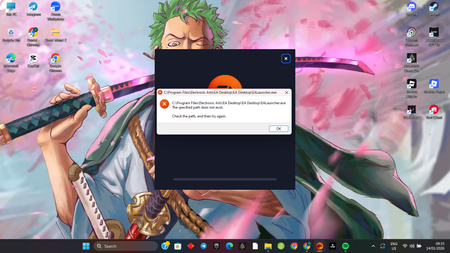
If you haven't already, please try the troubleshooting steps listed on this page to address EA App installation difficulties, particularly by clearing out the EA App program files before reinstalling. If you tried the troubleshooting methods and the issue remains, here are a few more things we can try that worked for other players on the forums:
Install EAappInstaller.exe, delete the entire "Electronic Arts" folder, open into the app installer and press "Repair"
Let us know how that goes, thanks!