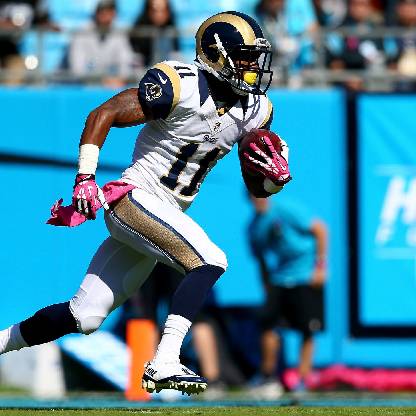
Madden NFL Overdrive Settings + Gameplay Issues
HI all,
I am enjoying the new season of Madden Overdrive. The graphics are definitely an improvement. Although Network Time Outs still occur, server lags seems to have been resolved for the most part. For gaming, I alternate between an iPhone 5S and an iPad Air 2 and I have noticed several issues.
SETTINGS
In preferences, I have "Allow Floating Stick", "Menu Music" and " In-Game Music" set to "Off". However, when I switch back and forth from iOS devices, these three settings revert back to "On".
GAMEPLAY
While playing pre-season and current season matches, the opposing team's timeouts are not indicated on screen (unlike previous versions of Madden Mobile). Also, the menu bar at the top does not indicate that a time out has been called until after the next play starts.
On occasion, the on screen controls will not appear until the area near the route/Snap Ball buttons is tapped.
I understand that the app is optimized for widescreen devices such as mobile phones. Would it be possible to make it more user friendly for tablet users. Currently, the outside wide receivers do not appear on screen until after the play starts. It is a slight disadvantage for players like myself that usually deploy a spread or vertical offence.
Is the option to swipe up to truck and/or intercept no longer available?
Thank you for looking into this.
Regards,
CrashNodar13