@Fred_vdp wrote:
@draqonin AMD GPUs are quite slow at rendering the tessellation in this game and there's no quality setting for that in the game's options, so be sure to tweak that in your Radeon settings. I override with 4 samples. This doubled my framerate.
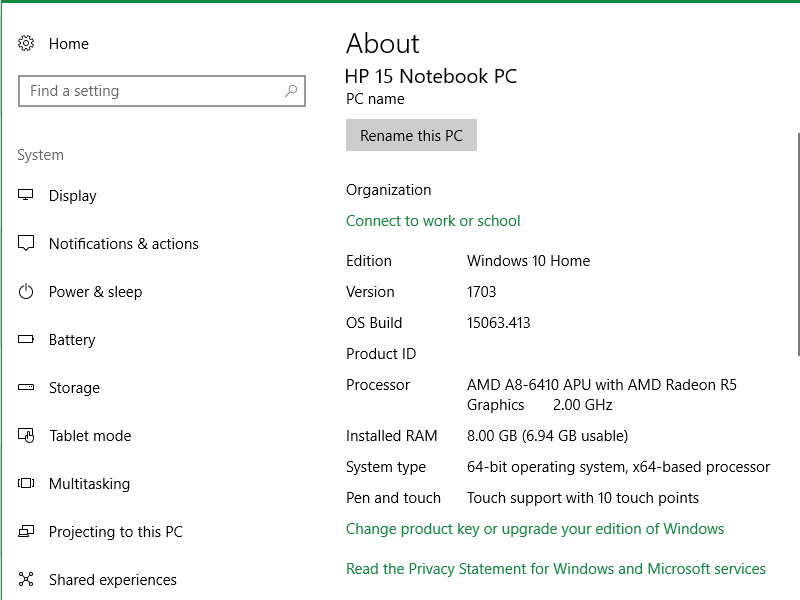
Thanks so much for the heads up! I will have to look into that some more since i don't see Tesselation in the Radeon settings. All i could find is some info on the web that says :
> Tesselation is active only if your VGA can handle this technology, if it can set it to “AMD Optimized“.< :eahigh_file: