Forum Discussion

Anonymous's avatar
Anonymous
8 years ago
SolvedApproved

Resolution bug

Hello,

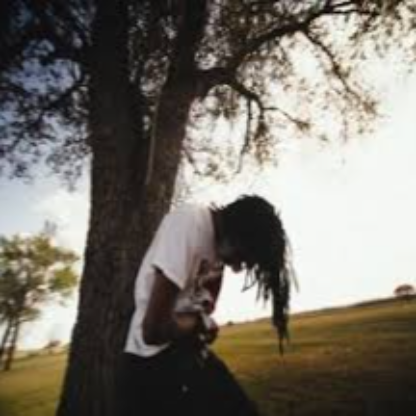
For some reason when I enable Borderless FullScreen mode, the game enables in a way shown below. I tried different resolutions, in happens only when using this one. How can I fix this?

The game is displayed properly when using Normal FullScreen.

  • @R3Z0RAI0N Hello,

    Have you tried to reinstall graphics driver, disable origin in game overlay in application settings of origin client and in Game Properties in your Game Library? Also, try to reset your settings by deleting your ProfileOptions_profile file in Documents folder (My Documents).

    Please let me know!

2 Replies

  • @R3Z0RAI0N Hello,

    Have you tried to reinstall graphics driver, disable origin in game overlay in application settings of origin client and in Game Properties in your Game Library? Also, try to reset your settings by deleting your ProfileOptions_profile file in Documents folder (My Documents).

    Please let me know!

  • Anonymous's avatar
    Anonymous
    8 years ago
    Approved

    @IIPrest0nII Hello,

    Thanks for your help! Deleting the ProfileOptions and disabling Origin has solved the problem. I have even tried reenabling Origin in-game, it still works. What's strange, Origin FPS Counter is unreadable. Changing the FPS Counter Transparency setting solves the problem for the playtime, but it eventually returns, regardless of the transparency setting. You can see how it looks in the screen below. I discovered that this is the only resolution causing the problem (2560x1440). I recall that I mistakenly cancelled the Cloud Save Sync once when I was enabling the game. From that point, the problems started. Not just with the resolution, but with the FPS Counter, too. Any idea what it could be?

    Best wishes!

Featured Places