Corrupted save file on ps4
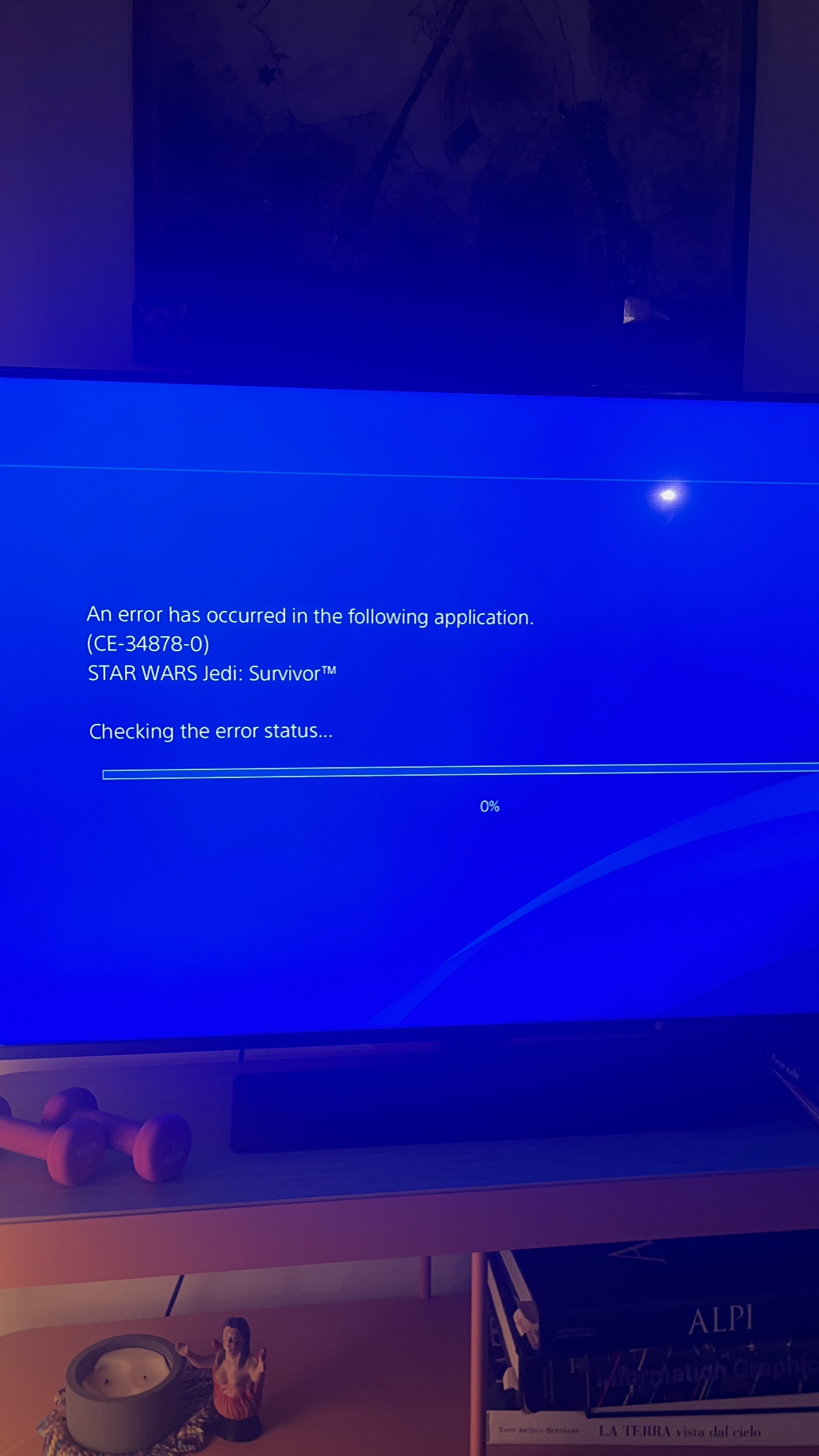
After experiencing what felt like the 100th bug in-game (in this particular one Cal’s walking animation wasn’t working anymore and he was drifting above ground stiff as a piece of wood) I reloaded the game. As I was doing that, the game crashed and it was shut down. I reopened the game and tried to select “continue” from the main menu, and as I did that the game gave me an error message and crashed again. I tried several times but kept receiving the same message (picture attached). I then tried to select “load game” but to my dismay my save file says it’s corrupted, progress is set to 0% and playtime at 00:00. (Picture attached).
I was very close to the end of the game and am not willing to redo the entire campaign again, is there a way to save my file?
the error code I get is
(CE-34878-0)
Thank you for your support