Yep, just install one at a time or a like group that isn't too big. I start with worlds. One world is so big it takes up most of the .ebc file by itself. So, with that world .ebc file, I add the things that need to be installed first, like the patterns, and things that were left out of a set or messed up (like the mid-century dining chair). Then I pull out that .ebc file and put it in a safe loc and pick another world to install.
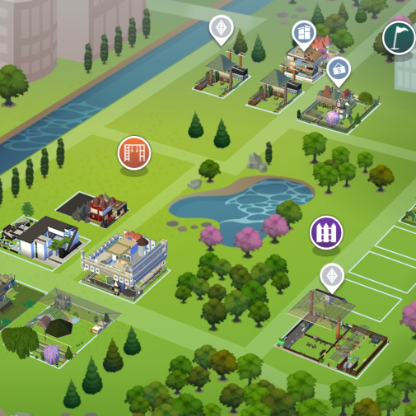
And, yes, I do the same thing with EA worlds. I delete the parking spots downtown so my sims can't leave cars behind. I delete fences so animals can't get trapped there. I delete stairs at parks so pups, kittens, and toddlers aren't placed there, forever trying to get down. When I get the world the way I like it, I call it something like RVs (Riverview Start). I don't need to keep it in my sims 3 folder if I don't plan to play that world, I can move it to a folder I name Worlds. I am constantly popping folders in and out. Just make yourself a backup of your world template, so you don't accidentally overwrite it. I have sometimes hit save instead of "save as", so it's always nice to have that backup!
And yes, this works for discs. I all discs and on the 1.67 patch. The only extra step to that is to make sure you get the store patch, which you can copy and paste from your old sims 3 folder. Apparently 1.69 and Origin already include that.