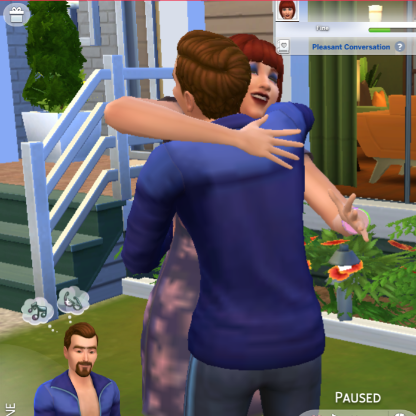
@ kangaroobabe: another tip I just learned for taking pictures...in regular play mode, hit the TAB button on your computer. great for close up pictures. also keys "z" zooms and "x" backs away. Key "q" and "e" change height of camera. I usually pause the game, set up the picture I hope to get, unpause, and then hope for the best LOL. Tab gets you in and out of that picture mode...can't pause and unpause if in TAB mode.
****Adam Williams reminds me of my RL son LOL
Also start a new topic in stories and legacies and bookmark, then you have your own place for your story that you can link on here...keeps this thread from becoming too crazy confusing :)