6 years ago
0xc000007b Error
So a while ago, Origin randomly would not open with the 0xc00007b error. Miraculously, I got it to open. But now none of my games will work. I'd really like to play the Sims 3. My computer, .net,...
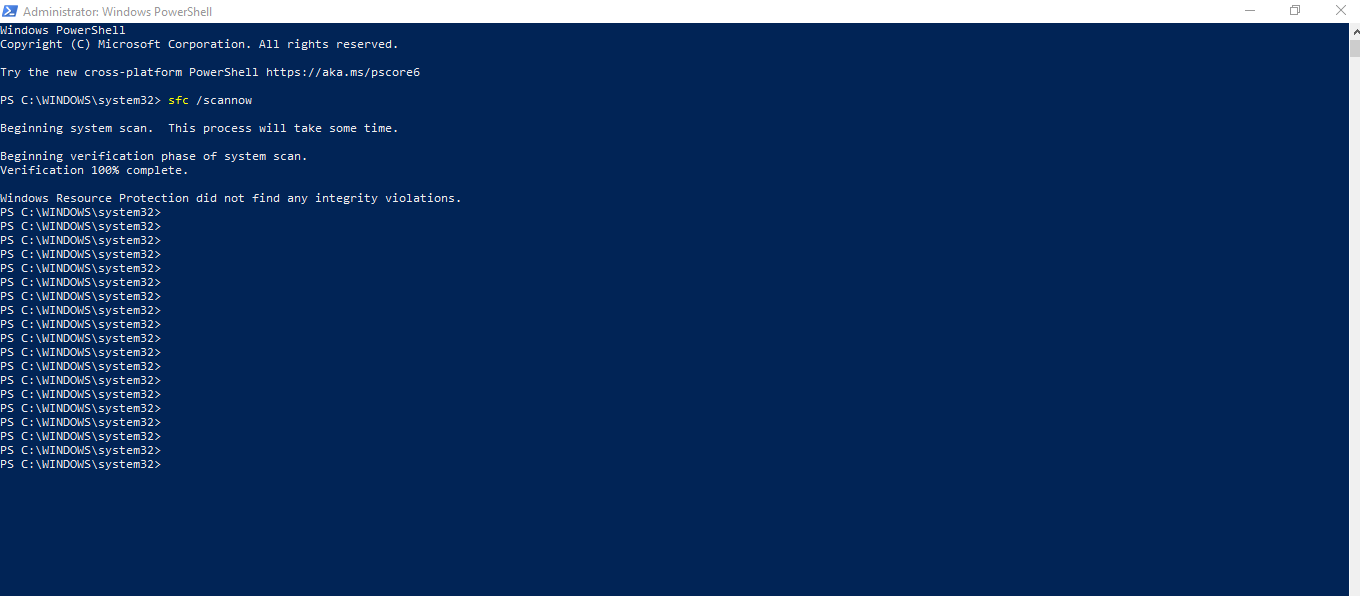
@Haanbeii It's a good idea to run a couple of basic checks on your Windows system files. Here's how:
If that doesn't help, replace all the VC++ runtimes at once. Here are instructions:
If that doesn't help either, let me know, and I'll see if I can get a second opinion.
I've attached images of what I got fore both scans. None of these options worked.
edit: forgot to tag @puzzlezaddict
@Haanbeii Okay, try uninstalling Origin and reinstalling. Clear Origin's cache first, then uninstall "the hard way."
https://help.ea.com/en-us/help/faq/clear-cache-to-fix-problems-with-your-games/
https://help.ea.com/en-us/help/origin/origin/manually-uninstalling-origin/
Instead of the usual Origin download, use the full installer. This is a direct download link:
http://download.dm.origin.com/origin/live/OriginSetup.exe
Run it as an admin: right-click on the downloaded file and select "Run as administrator."
@puzzlezaddict That just gave me the same error with the setup, so I'm thinking it has to be some sort of problem with my system or what is installed, because another program wouldn't work either.
I tried a system refresh, but at some point it stopped with an error. I don't remember what it was, if it even said what the problem was in the first place, so I wonder if that might have a connection.