[Current Issue] Sims 3 "serious error" when loading save
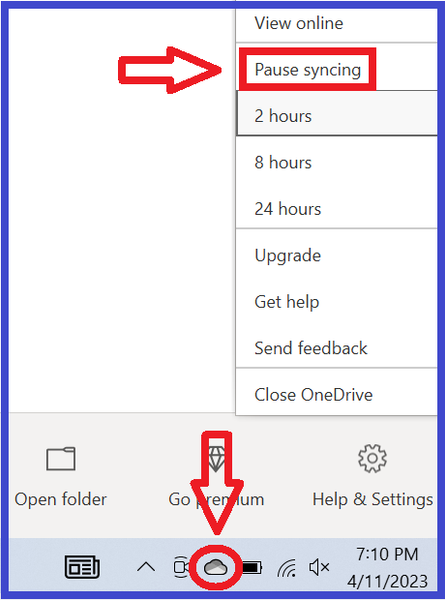

Hawkflight1066 You should be able to tell OneDrive to stop syncing Documents, or barring that, unlink your PC and manually move the Documents directory out of the OneDrive folder. Everything is covered in the guide I linked.
When changing certain settings, OneDrive is supposed to remove the files from your computer and only store them in the cloud. That's why the guide says to make a manual backup. It will also store files only in the cloud when space on the system drive gets low, also by design.

Ahhhhh well I am very glad I had this problem with Sims after all, or I would not have thought about your very valid last point. And I would be panicking right now.
I went to process my latest batch of uploaded photographs. My entire over one year's worth of photographs had vanished from my pc. Hundreds of them. Thanks to this thread I immediately checked One Drive, and there they were. I have paid for extra One Drive storage to store paperwork for a church I work for. In the past my free One Drive storage capacity was inadequate for the Sims files, let alone months of photographs, so this problem would not have ocurred. So reading your latest reply above I then checked the remaining storage on my hard drive, and without the photos it is fine, but before - it was probably getting stretched. I suspect a hard drive overload triggered One Drive to remove everything from my pc that wasn't nailed down. My bad. Many thanks for your help which has turned out to be useful in more than one way.