[JTB] Millennium Falcon mission still bugged even after patch 1.119.109

Please do not post issues that weren't tested on a vanilla game in the bug forum. Modded game reports are not accepted unless there's already a report for an unmodded game.
This will happily be moved back if you tried this on a vanilla game.
Please follow these steps to test your game on vanilla game with no mods/cc
Would also be good to test a new save to see if it only affects existing saves or not.
Meanwhile I'm checking with a CM if they did infact not fix them all.
Oh, so it was moved. I thought I goofed and posted it wrong.
I figured posting this would be good to go since this has already been in a bug report that went on to be patched. But I understand and I'll work on it later today. Could take a bit since it is a lot of work to get to that mission on a new save.
Thank you crinrict!
Try on your existing save first. If it doesn't happen there, you know it was your mods. If it does work, also test a new save :D
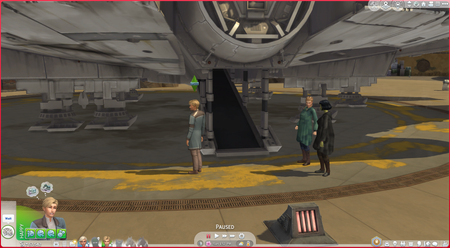
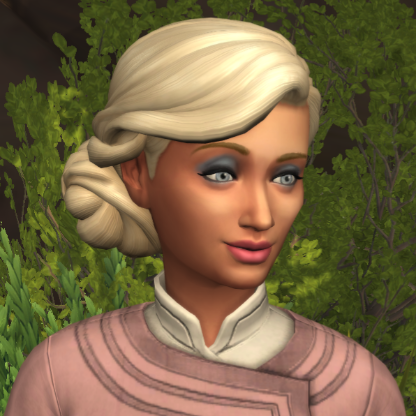
I tested issue with my game on vanilla. I moved mods folder out and did as you said. I then tested with both my saved game and then a new game and I can confirm that the mission still does not happen in either case. Pics of the new game below. This time only one of the NPC's walked away after a bit. The other one just stayed there playing with her data pad. I gave up after another 2 sim-hours of them just standing there. The action queue still showed "wait" the whole time. It was very clear that the mission was stuck!