Forum Discussion

16 Replies
 CGrant563 years agoHero+
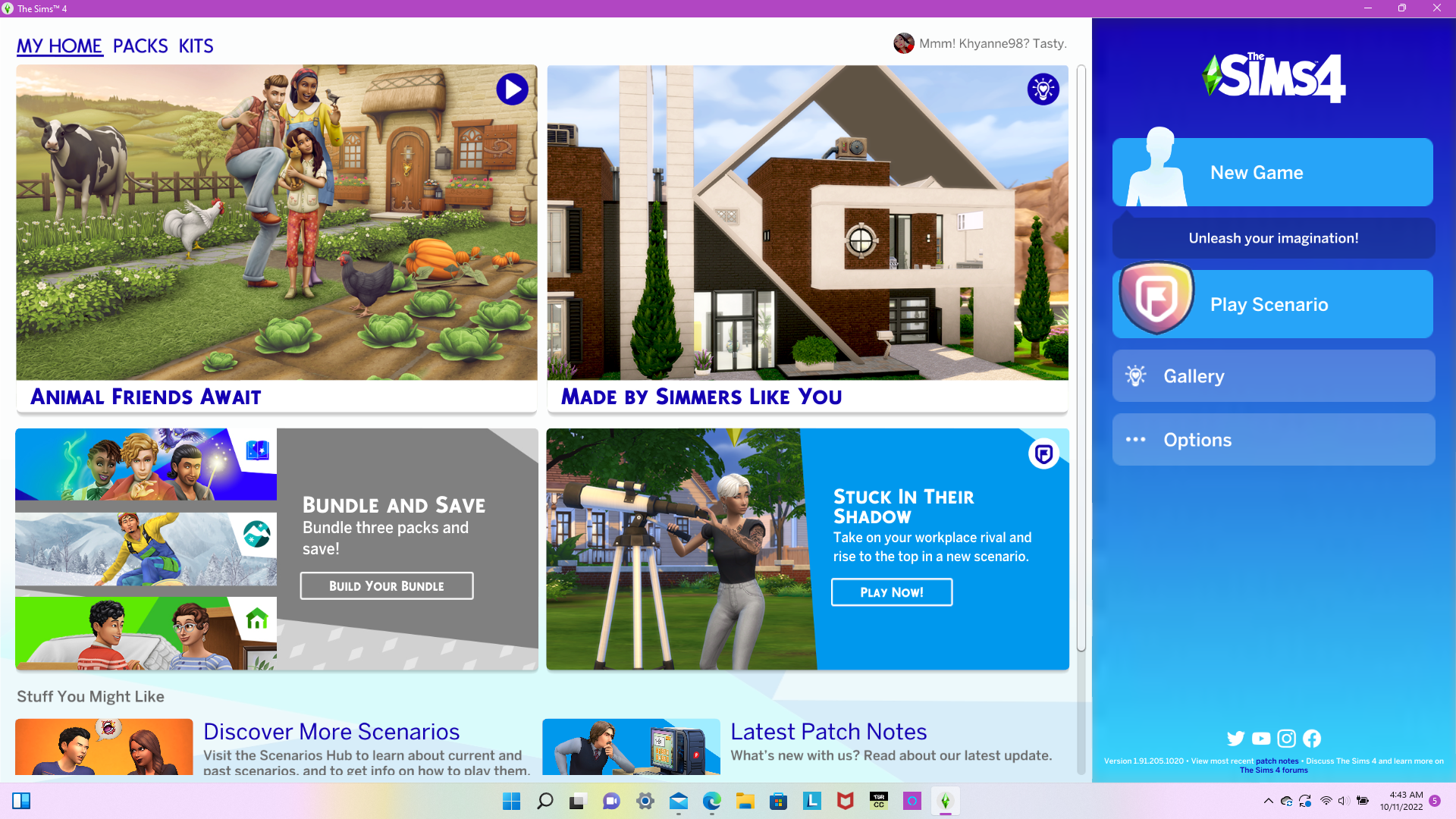
Do you use mods? If so, try moving your mod folder out and start the game. If the Main Menu is normal, then you have a broken mod and will need to hunt it down and remove or update it.
Hope this helps
Thank you so much. Moved the 'Mods' folder out of the Sims 4 Folder and the start-up menu looks normal again. I now have to find the broken mod(s).
Thank you again. Happy Simming! 🙂
Hello, i'm having the same trouble it’s says “New trial not_translated”.I have no idea what to do.
 crinrict2 years agoHero+@Itzuchenna have you tried removing your mods/cc as suggested in this thread ?
- @KeepCalmNancy Hi, how did you fix this?
@9rcbliykt4xz The solution many game updates ago might not be the solution now. Start at the Mod/CC Issues master post , which includes some common mod-created UI issues. If that doesn't help, please made a new topic with details about what's not working for you.


Featured Places