Mods didn't show up in game... now game wont open
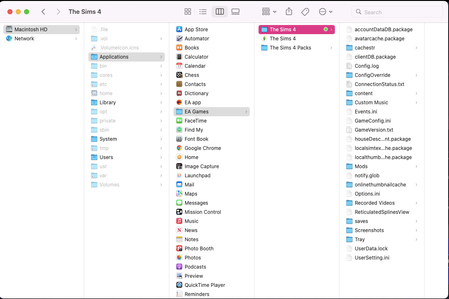

Thank you so much! Will this help the game open too?

aambush_ It's likely to, if you've put files where they don't belong. But there can be multiple reasons the game doesn't open. Getting rid of one can mean you hit a different one, which is likely to give you a different kind of error/appearance.
Ok so I put the files in the correct folder. I removed my folder and started the game up so it could generate a fresh folder. I put my saves and other files in the new folder. NOW its saying it can't load the game because its out of memory. I have space on my computer so that can't be the issue. It's like one issue after another with this game. UGHHHHHH.
aambush_ Can you screenshot both the message you're getting and your memory info please?
Sorry for the late response! Since you wrote this I uninstalled the Sims game--not the EA app. It shows I have decent amount of storage but not enough to install the game and run the game.