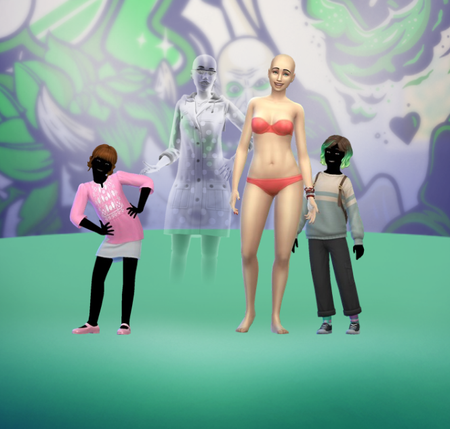
luthienrisingHero+1 year agoAssuming your CC shows up in game, you probably just need to delete the localthumbcache file.
Featured PlacesThe Sims 4 Mods & Custom Content Find tips, tutorials and troubleshooting for mods and custom content, and The Sims 4 patch files here.Latest Activity: 8 hours ago17,342 Posts
The Sims 4 Mods & Custom Content Find tips, tutorials and troubleshooting for mods and custom content, and The Sims 4 patch files here.Latest Activity: 8 hours ago17,342 Posts
Recent DiscussionsBroken and Updated Sims 4 Mods and CC: patch 1.128, Sept 22, 2026 This thread tracks Sims 4 mods and CC that have been "broken" or made obsolete by game update 1.128, September 22, 2026 or declared unsupported by their creators. It also tracks updated game mods, im...All my sims randomly have a new outfit in the everyday category I have a complex save where I created 600+ sims along with custom made npcs and literally every single one now has a weird second outfit they wear, and half the time these outfits make them naked😐 T...Sims 4 script error 132 when mods are enabled I’m having this issue where whenever I turn script mods on, I can’t load ANY household or lot. It just sends me back to manage worlds with error 132. When I turn script mods off, everything loads com...Bug in Cas I’d like to report a bug in CAS that has existed since the June or July update: there is no way to select the option for packs or custom content, and it still hasn't been fixed. I hope this gets reso...somebody help please im getting this everytime i start up TS4 : <?xml version="1.0" ?><root> <report><version>2</version><sessionid>261c4adda7a4e7df6ab48e4a</sessionid><type>desync</type><sku>ea.maxis.sims4_64.15.pc</...