Forum Discussion

gotbunshunn's avatar
2 years ago

Sims 4 infant update limited

Um not sure what I did wrong here. I got the update done and have seen what is new to my base game, no mods or cc , just the game. I see the new stuff in build mode, and the science baby thing, but I do not see anything on more baby interactions, such as putting them down, bathing, feeding, etc. Also CAS for babies not working either. 

4 Replies

  • Try resetting your user files as described in the factory reset described in this post: http://answers.ea.com/t5/The-Sims-4/FAQ-Troubleshooting-Steps-amp-Known-Issues/m-p/3621199

    You won't loose anything. Just make sure to not delete any files  and make a backup.

    After renaming, repair your game by clicking on the dots in EA app.

    Try on a new game with nothing added back first (start new game). If it works, put back your save game and try again. If it still works, you can start putting stuff back.

    • Options.ini (or just re-set all your settings manually)
    • Tray Folder
    • Screenshots/Videos/Custom music
    • Rest of the save games (leave out slot_00000001.save which is the autosave and no longer needed - if you still have it)
    • Custom content like clothing, hair, skins, make up ....
    • ConfigOverride, if you have your own configuration files.
    • Mods (one by one, making sure they all still work)

    The rest does not need putting back, cause they are mostly cache files that recreate or log files that are not needed for the game.

  • Note that you still need your newborn to age up to infant before you can put them on the floor, bathe them, edit in CAS, etc.

  • sim444rty's avatar
    sim444rty
    Rising Novice
    1 year ago

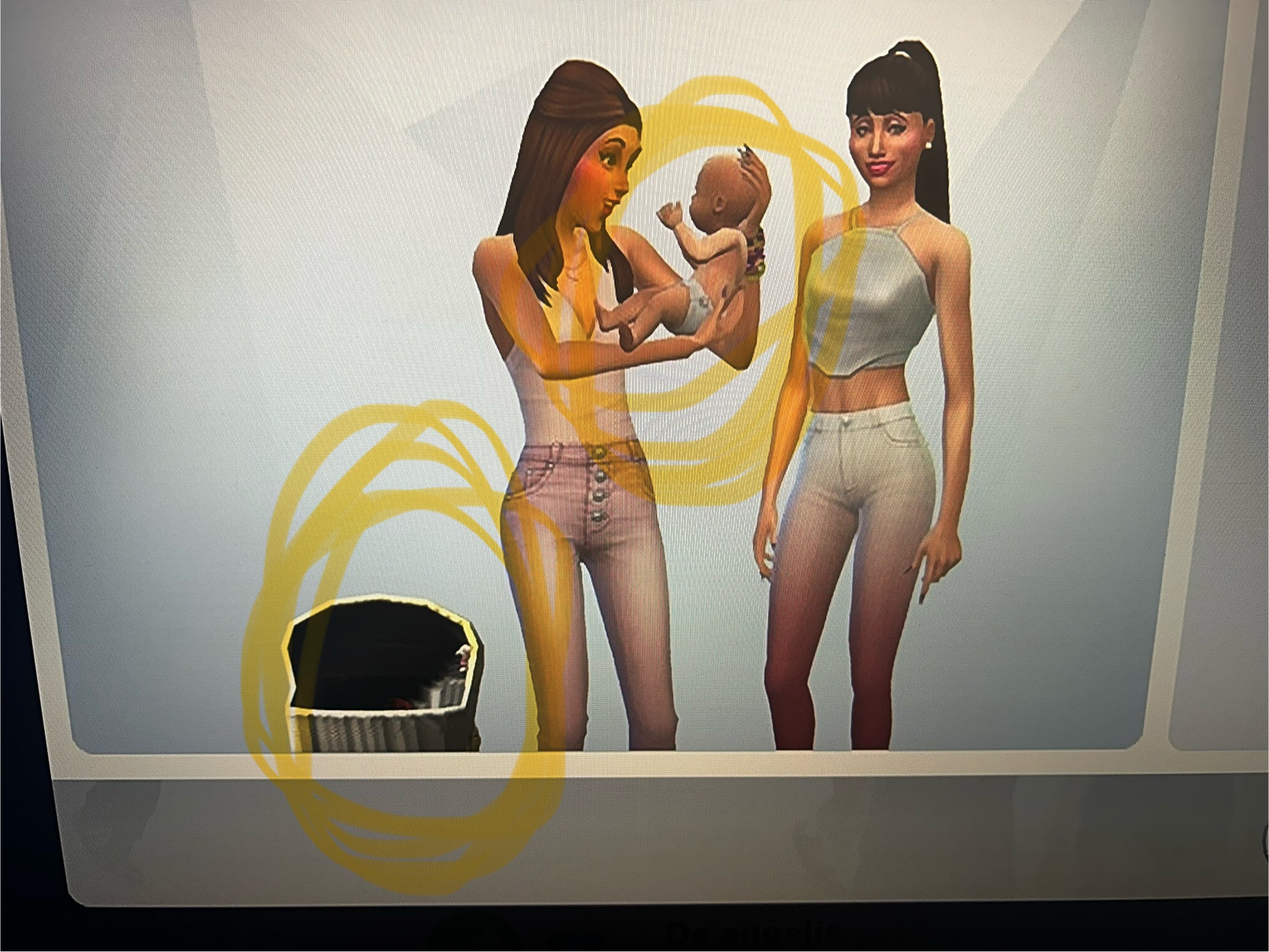
    Yeah, me too this problem. Newborns still limitate, you cant carry them, put them in floor, bathe them and go around the house/community lots with them. The Sims 2 newborns much better, hope they upgrade newborns in The Sims 4 soon, they have even bugs like in these pictures.

  • luthienrising's avatar
    luthienrising
    Hero+
    1 year ago

    @SiM4rty Please do a "vanilla" test: Drag the Mods folder to the desktop, delete the file called localthumbcache, open the game to test, and exit without saving.

Featured Places

Node avatar for The Sims 4 Mods & Custom Content

The Sims 4 Mods & Custom Content

Find tips, tutorials and troubleshooting for mods and custom content, and The Sims 4 patch files here.Latest Activity: 2 hours ago
16,477 Posts