Forum Discussion
28 Replies
- ShellyE11 year agoNew Hotshot
I just updated my game for the new laundry list. I do no have any mods in my game and have also ran a repair and cleared the cache.
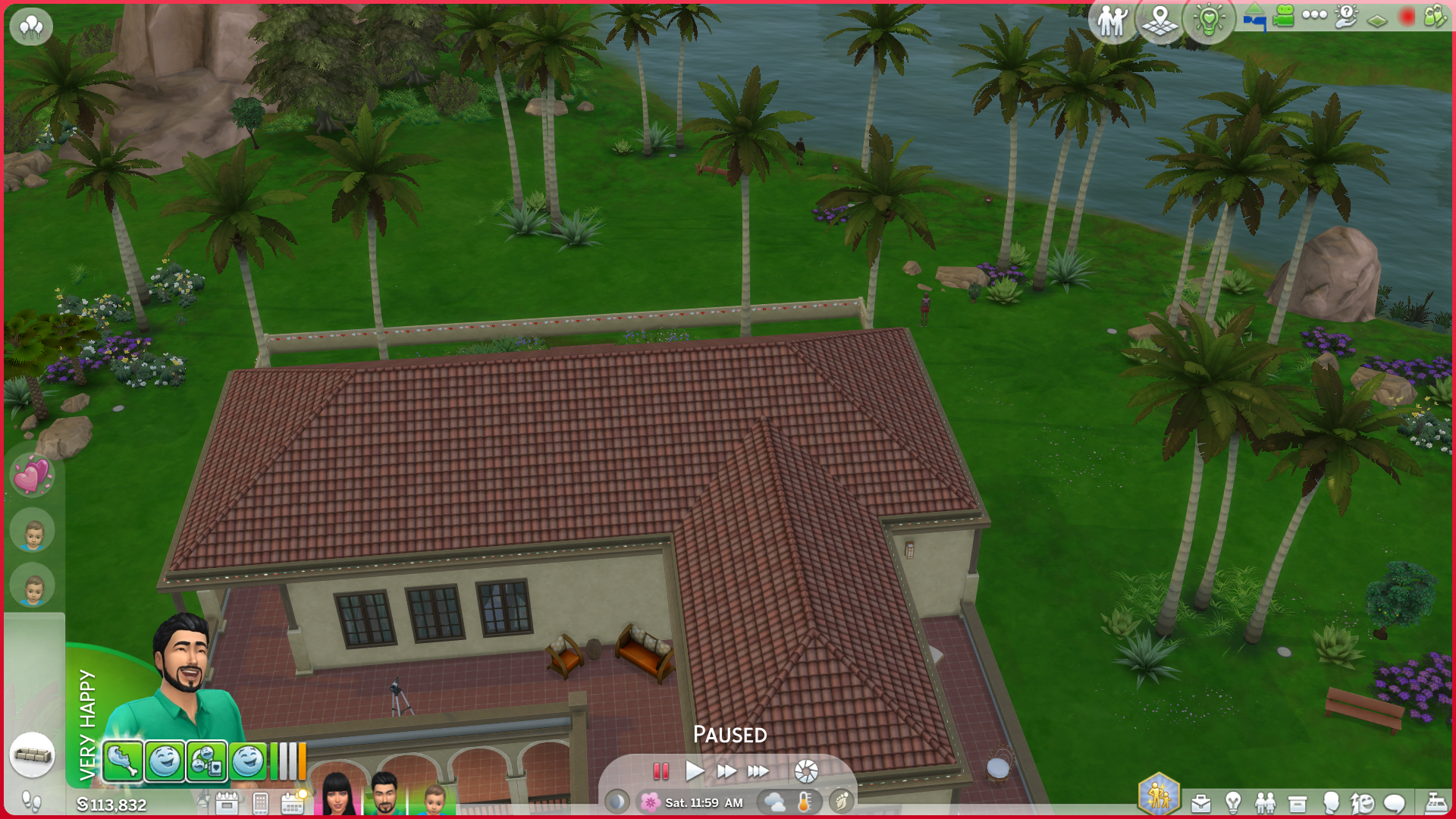
The problems I'm have are the sims on my main loading screen are missing their clothes and hair. I do not have CC in my game. The packs the clothes came from are Sweet Allure and Get Together. I play on PC. Also once in game, the top left hand corner of the game is all mashed together. I will attach pictures of both problems.
- ShellyE11 year agoNew Hotshot
Please delete this post, my issues have been fixed. Thank you.
- Amizze1 year agoSeasoned Scout
I have the bug with the messed up UI in the corner - how did you solve that? Also, there seem to be a bug where tasks don't tick off in the freelance crafter career. I played earlier today - before the patch, and this wasn't an issue.
The messed up UI is infuriating and so are the work tasks not ticking of. Even pop ups with for example ''do your sim like comedy?'' etc has somewhat a buggy ui, although it's not as extreme as the messy top left corner.
EDIT: Just noticed that even aspiration tasks doesn't tick off either, so.. this is suuuper fun -.- - rosemow1 year agoHero+
HelloAmizze With the broken ui issue, If you use mods/cc,try moving the whole mods folder to another place, delete the localthumbcache.package and then test to see if the issue remains without mods/cc there.
- sadlejes931 year agoSeasoned Newcomer
I don't know if I am describing it right but I just got the update on 5/27/25 and I started up my family and now the interface that you use to for the camera, floor levels, wall cutout, ect. has the wrong image displayed for the categories. So like the wall cutaway tool now shows an image of the camera. This occurred earlier in the year with my build/buy area where after an update all the images that show the categories in the build/buy mode looked glitched and showed a different image than what the category was supposed to be. Like in the Bedroom Category there is supposed to be a picture frame to get to wall decor/pictures but now it shows a living room chair. I can't seem to get it to go back to normal even after a restart.
- NutellaCupcakes1 year agoNewcomer
Help! What is this lol
I've relaunched several times, and the game was normal this morning before the update :(
I use mods but it's like this without mods enabled too
help!
- Amizze1 year agoSeasoned Scout
I have this as well. Even aspiration goals and work tasks doesn't tick of when they finish. One of my sim is in the freelance crafter career and i had already ticked of the 'chat with client' and 1/3 candles made (I played the save before the update yesterday). However, AFTER the update it wouldn't tick of anything at all. I made 2 candles, yet it said ''1/3''. One of my sims is also working on the Lord of the knits aspiration, and i was doing the ''start knitting project while inspired'', but it doesn't tick off. Not sure if it is within the same bug of the messed up interface, but thought i'd mention it either way.
NutellaCupcakes Does the UI look like this with your Mods folder removed completely? I've seen reports of mods still having some effect even with the setting disabled.
And if you use Better Build/Buy, you may need to repair the game after removing it.
- Purple_Tragedy1 year agoSeasoned Veteran
The issue (at least in my game) was the better build buy mod. Once I removed that mod, the issue resolved.
- Purple_Tragedy1 year agoSeasoned Veteran
Lol sorry for the caps and spelling error - can't fix it now 😅