Lagging and stuttering game performance when using screens in-game


I am experiencing stuttering and FPS drops on a brand new Macbook Pro M5 (base model, running Tahoe 26.3). It doesn't seem related to sims using computers/tvs in my case. I tested this in a brand new save on the library lot in Willow Creek — it doesn't happen instantly, you have to stay on the lot for a while, the time for it to start stuttering varies, I probably spent about 10mins on the lot panning around the area, zooming in and out. At some point, the FPS drops down to about 18 and the stutters start. I'm attaching a screenshot with the Metal HUD overlay enabled showing the data.
This is a brand new machine, so no storage issues, iCloud disabled, no other apps running, ample RAM available, game running in fullscreen on the built-in display (not external), no mods, it's a brand new installation of The Sims 4 with all packs, ultra graphics with vsync enabled.
This doesn't happen on my M1 MBP (Sequoia 15.7.4) — the average FPS is lower on the M1 but it doesn't have these weird stutters.
Windowed mode is worse for me (due to the resolution increase).
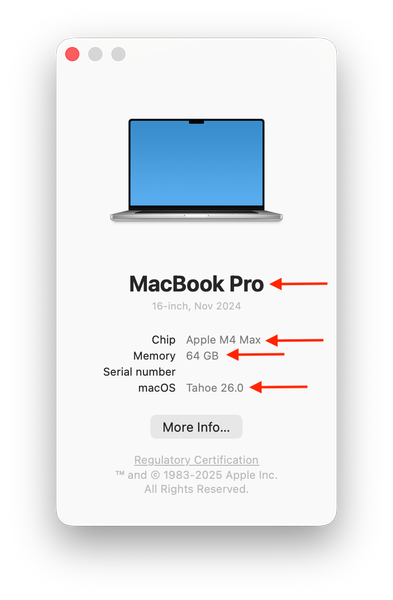
Oh great idea to enable the Metal HUD! I did the same for comparison on my MBP in windowed mode:
I always have game mode off. Did you test with it disabled on your machine? The Max ARM chips will invariably deliver better GPU performance but I would expect your M5 to deliver better performance, unless the issue is this known in-game screens issue for you. Can you be sure there are no screens active on the Lot?