Lost saves and mods after computer transfer + update
1) I got a new iMac so I transferred everything from my laptop and tested TS4 -- everything worked perfectly, mods and saves were there.
2) That computer was too slow for me so I returned it and bought a different one. I did the same transfer from my laptop using Migration Assistant, so it was an exact copy of everything on my laptop. I didn't do anything differently.
3) I had to upgrade my laptop's software so I deleted a ton of stuff, including my EA folder.
4) Tried to run TS4 again on the new iMac and there was an Origin update. I installed the update and suddenly it was like a brand new game. No saves or mods anywhere, which was strange to me because it worked when I tried it on the first iMac and I didn't have to move any folders.
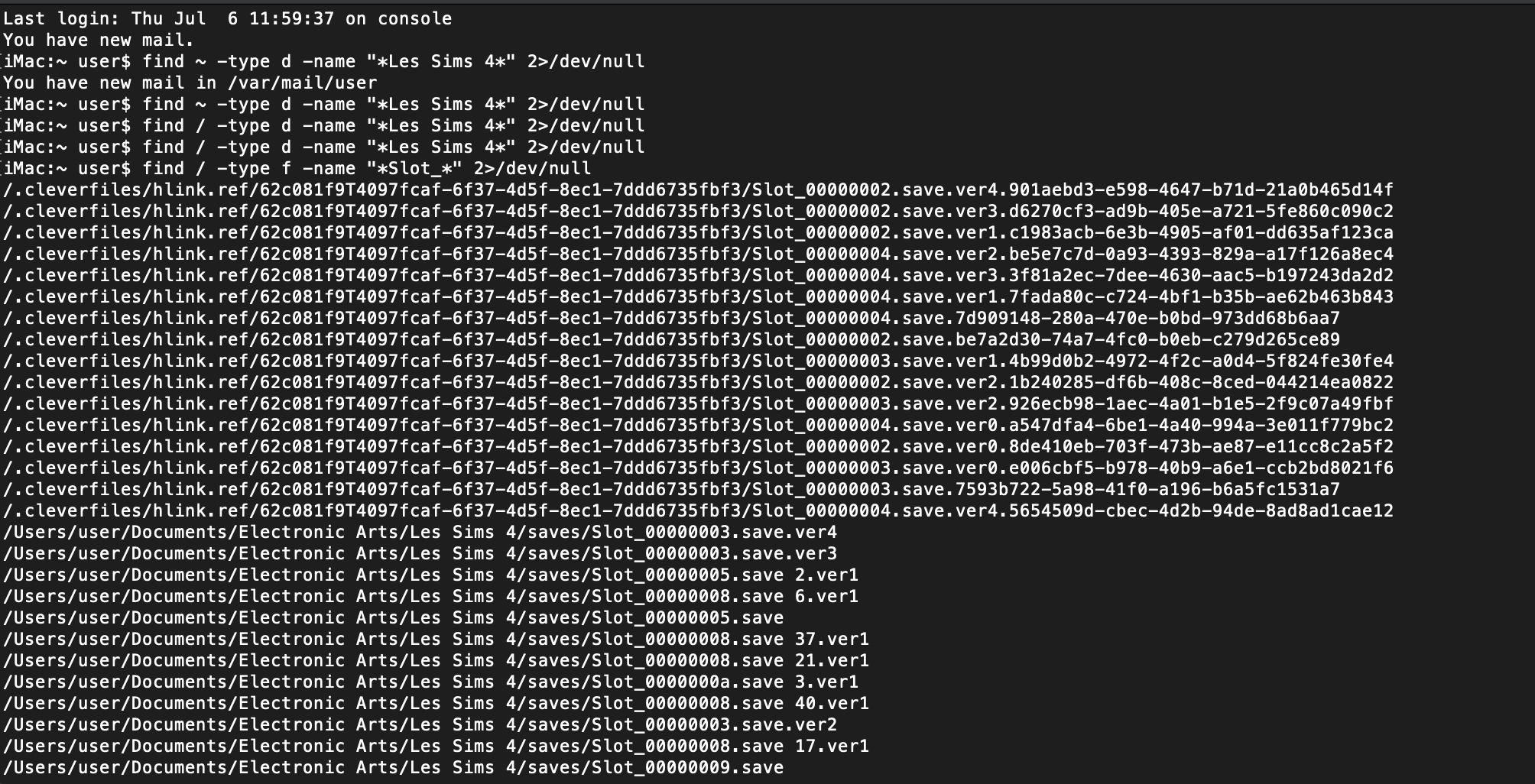
5) I checked my documents/EA folder for the saves and mods and they are now empty. I've checked other folders on my computer and searched for the file names of mods and "Slot_" to find the saves, and nothing comes up. I tried everything I saw suggested on YouTube and on here and I still can't find the saves or mods.
6) I also ran a data recovery app on my laptop to find the deleted files. Some of the mods come up but not the saves, or they are under a different file name so they are impossible to find.
7) I had a back up of my documents folder saved to an external hard drive from about a year ago; I copied those folders over and those saves will load, but I still can't find the mods or saves that were in the documents folder on my computer.
Is there anything else I can do to find the disappeared save files? It's just so weird to me that it worked on the first iMac I bought, but not the second one. The only difference was the Origin update.
Thank you!