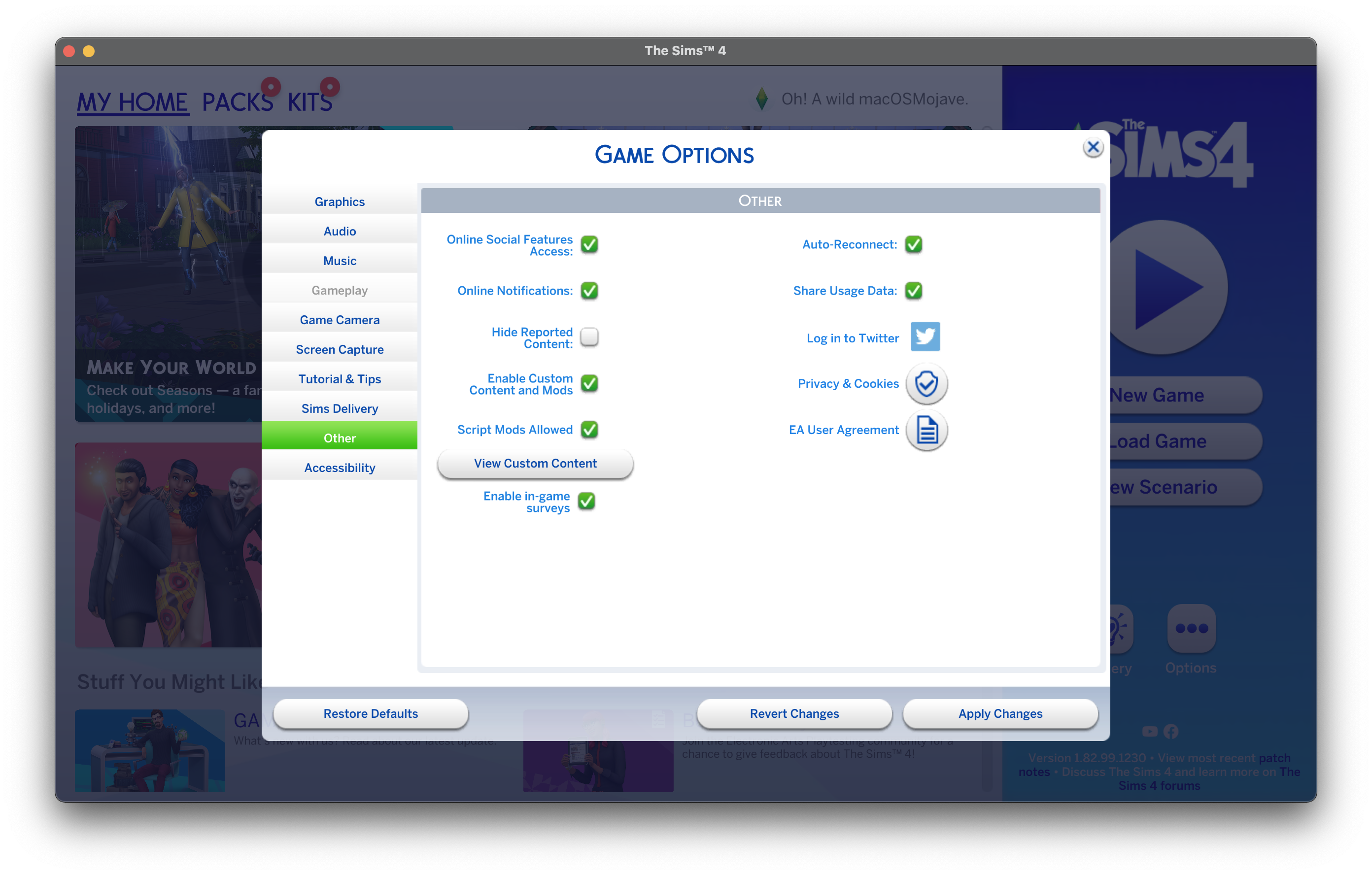
My mods won't work
Hello,
I have re installed Sims 4 on my Mac (with Origin), and I have been trying to put some mods but somehow it didn't work. So I searched on Internet and it talked about that "resource.cfg" and that it would automatically create if I move the game on my desktop or even restart the game (mods are enabled in the game settings).
Then I searched again and it said that the file might be somewhere else and I dragged it into my mods folder but it didn't change anything
I downloaded a file but it still doesn't work
Do you know what I can do?
Thanks for reading.
Please open Terminal and copy and paste the following command then hit Enter/Return:
find ~ -type d -name "*Mods*" 2>/dev/null
After a little while it will return the results of the search. Please copy and paste the results in a post here.