Forum Discussion
Bluebellflora
4 years agoHero+
@Kimmyyslice
Your Sims 4 data is being stored in iCloud (Library > Mobile Documents), as per the link I previously gave you and have now merged your thread into. You need to follow the instructions for disabling iCloud Drive and store the Sims 4 folder locally in Documents > Electronic Arts
If you do not understand how to do this after following the instructions and other links in the opening post on page 1, perhaps you can ask a friend or family member to help you?
Your Sims 4 data is being stored in iCloud (Library > Mobile Documents), as per the link I previously gave you and have now merged your thread into. You need to follow the instructions for disabling iCloud Drive and store the Sims 4 folder locally in Documents > Electronic Arts
If you do not understand how to do this after following the instructions and other links in the opening post on page 1, perhaps you can ask a friend or family member to help you?
4 years ago
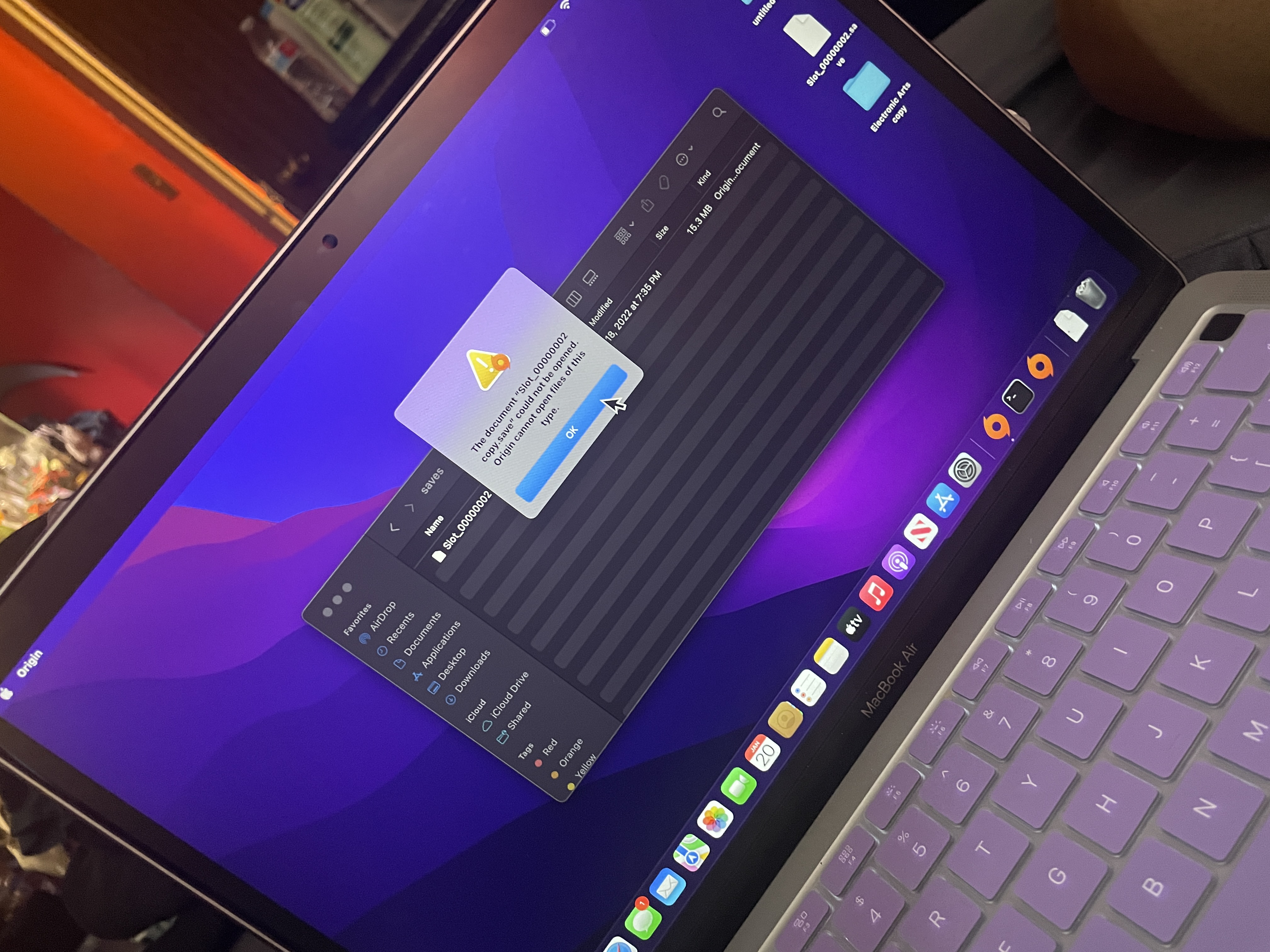
it tells me origin cannot open files of this type . when the original document come from origin
- 4 years ago
its telling me it cannot opent his file in origin . i dont have anything on my cpu as far as pics i have enough storage its a brand new cpu. i dont even have my icloud drive on here . i copied the files from icloud and im afraid to delte the oroginal folder because nothing is working
- Bluebellflora4 years agoHero+@Kimmyyslice
The game will only look in Documents > Electronic Arts > The Sims 4 for data to load when you open the game. It will not load anythign you have in those folders with "copy" in the file name.
You never load saves by double clicking on the files.