2 years ago
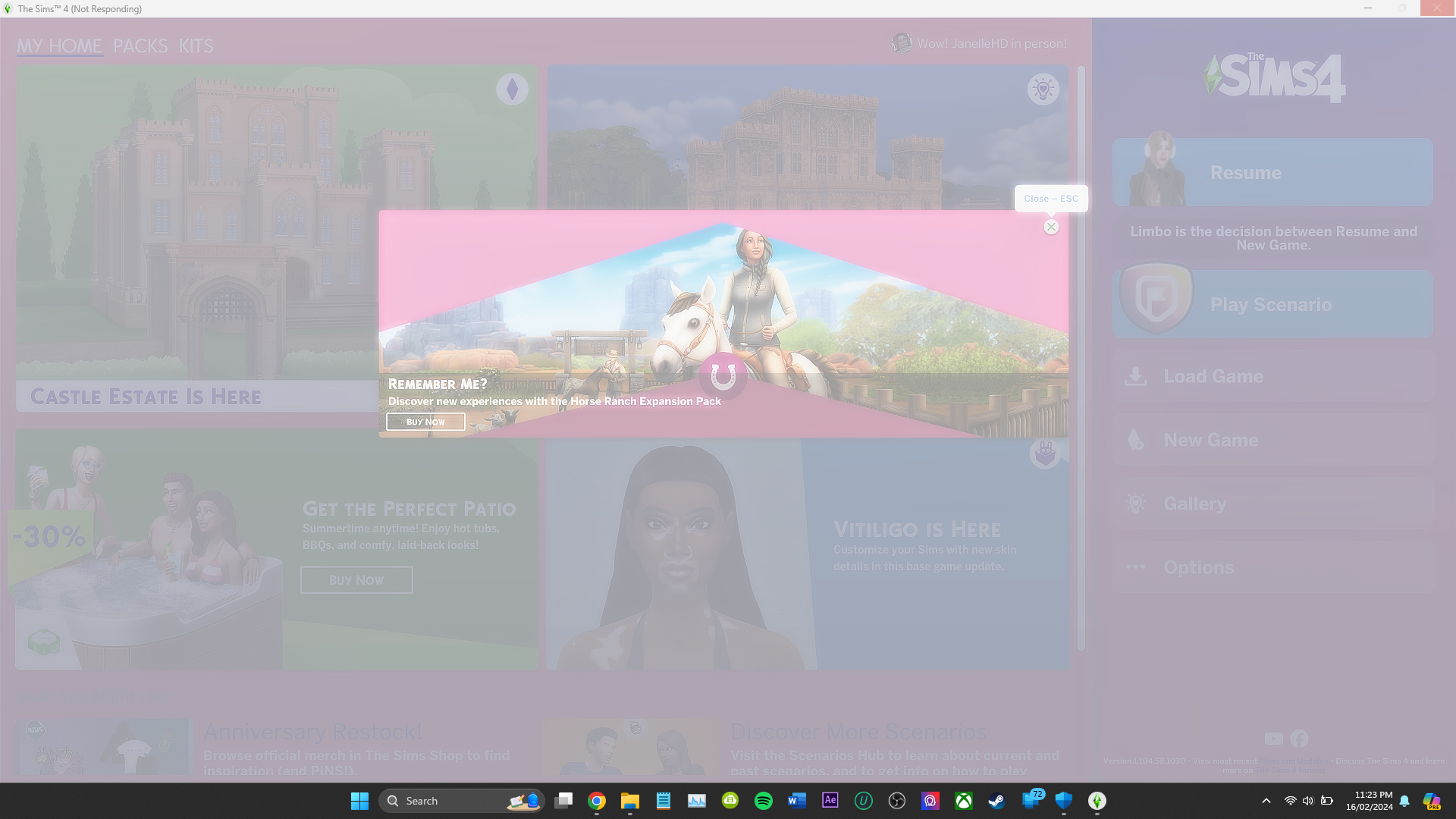
Game Freezes on start up
Not too sure what has happened lately to the sims but my games freezes on the start up menu. It must be to do with the latest EA app update or something similar. It will not let me play at all. I sta...
@JanelleHD As a test, please try playing in a clean user folder. Move the entire Sims 4 folder out of Documents > Electronic Arts and onto your desktop, and when you launch the game, a clean folder will spawn with no content. (Your saves and other content will be intact in the folder you moved but temporarily not read by the game.) Don't add anything to the new folder yet; just let me know whether you can get far enough to start a new save and play in live mode for a bit.
As a test, please also restart your computer, wait five minutes without opening any apps, open only the Task Manager, and let me know how much memory is in use (the number in the Memory header) overall. Then flip to the Startup tab, take a screenshot of the startup apps, and post it here.
I'm wondering if something on your laptop is eating most of the RAM because your dxdiag shows a large page file that's almost all in use. The page file is where the processor stores data that would normally be held in memory but can't fit, and while something around 5-8 GB in use is pretty typical, yours was at 20 at the time you ran the dxdiag. It's even more surprising given your laptop has 16 GB RAM installed. Point is, it's worth seeing if this is a problem both in general and potentially for Sims 4.
@puzzlezaddict So sorry about my late reply I really appreciate your help. I ended up just repairing the game several times and opened it over and over in windows mode using the EA properties menu until it eventually worked. I am not too sure what is eating the RAM as you mentioned because the game is still shaky. Right now just using chrome there is 55% of memory being used via task manager, is that concerning?
@JanelleHD Chrome can be a huge resource hog, and in fact there are memes about it all over the internet. But given that your computer has 16 GB RAM installed, 55% puts the total use at almost 9 GB, which is far too much. So please do post a screenshot of the Task Manager's Startup tab for me to look over. You could easily have a bunch of other apps running in the background that you don't know about, but malware is also a (less likely) possibility.
Either way, this should be addressed. While Sims 4 can run in the 7 GB or so your system has left over, multitasking could eat into this total. And the extra overhead could affect how much processor power is available as well. Plus I personally would just want to address this even if I had more than enough RAM and CPU to cover the extra use.