[CURRENT ISSUE] Sims 4 saves/user content disappearing (PC)
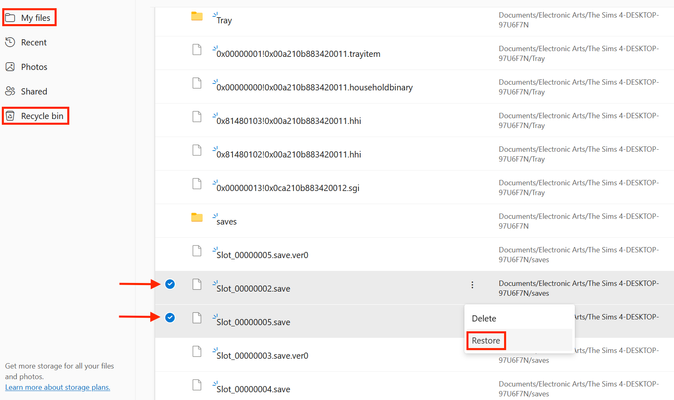

So I just recently updated the Sims 4, but when I was in the game it said "new game." I was so confused I looked in my recently deleted for previous saved worlds, and I couldn't find anything I looked in my OneDrive it's not there. I even looked in the Sims folders, and it had nothing under the saves file. To be honest, I don't know what to do. can someone pls help me

I don't know if I can help, but in the future, make a backup of your save, Tray, and Mods folder (if you use mods) before you update. This will save you the grief you're going through now. Also, did you create Sims in CAS that you were busy playing? If so, every time you click the check mark upon leaving CAS, it makes a copy into your My Library Gallery. You should be able to find these Sims there. The only words I have for you is you're going to have to restart your game from scratch.
The first of the recent patches threw me for quite a loop, too. I had made a backup of the entire Sims4 folder, but when I powered up my game after the patch, I was confronted with the New Game thing, too. It is jarring even for an old-timer like me.
Thank you for the help and advice. I did use CAS but sadly all my stuff in the library Gallery disappeared :( So unfortunately I'll have to restart.