Re: Game language doesn't change
@SEUL2222_Bebe The initialization error has a number of known causes, but most of them should apply equally to the Korean and English versions of Sims 4. (The two share a user folder and most of the game's program files.) Just to make sure there isn't some random EA App glitch, I uninstalled my own game and reinstalled in Korean, and it worked fine. I repaired, and the game was still in Korean. So what you're seeing is not normal or intended behavior.
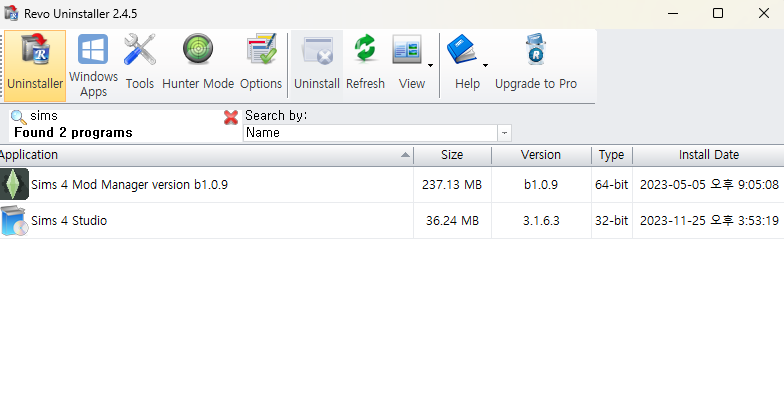
For now, I would suggest uninstalling both Sims 4 and the EA App with Revo Uninstaller (the free version is fine). Here's a guide in case it helps:
Reinstall the App in Korean, then if you use a third-party antivirus, disable it (temporarily) before installing Sims 4. Launch the game once without reenabling the antivirus. As long as you don't do anything else at the same time, your computer should be safe.