Forum Discussion


4 years ago
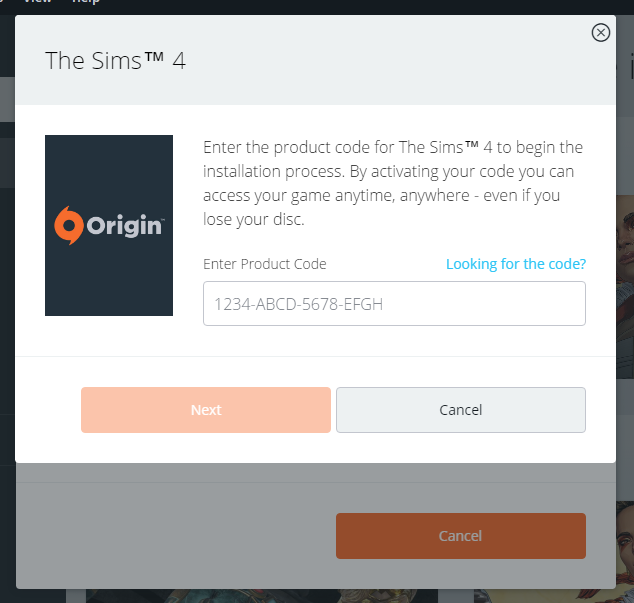
I am having the same problem. Purchased the game (Sims 4) through steam (Not origin). Installed it. Opened up origin (which uses the same email as my steam and both are stored on the same hard drive). Clicked play. And it just opens up Origin and asks for an activation code. I've tried uninstalling both, re-installing both, opening the Sims when Origin is exited, opening Sims when Origin is open and running. It seems to just not work. I've reached out to EA for help but based on the thread it seems this is an issue neither steam nor EA/Origin seems to be willing to solve.
 puzzlezaddict4 years agoHero+
@Papseo Try running both Steam and Origin as an admin: right-click on each shortcut and select "Run as administrator." Then launch Sims 4 through Steam.
If you use a third-party antivirus, please also set exceptions for Origin.exe, TS4_x64.exe, Steam.exe, and EALink.exe, and EASteamProxy.exe. The last two are within Origin's program files.
If that doesn't work, try playing in a new admin Windows account. Make it a local account, as in, don't sign into Microsoft; the username should contain only letters and numbers, no special characters.
Featured Places