Orange Dot Notifications Will Not Clear
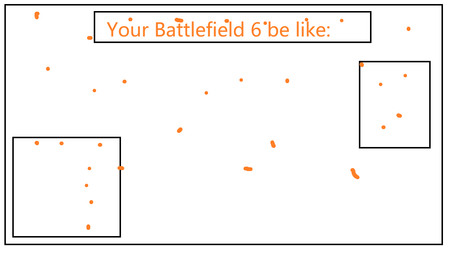


This problem happens a lot with weapon modifications (especially when one of your guns reach 20, 30 and 40 level, which unlocks a new camoflage), checking or equipping these new items doesn't make the yellow dot disappear, it usually requires a full game restart (after making sure that all the new items are checked) to fix.
Even with some trouble the problem can be fixed by players ourselves, however, recently this happened:
Apparently there is zero new item in this section (at least there's no yellow dot), but the tab on top says otherwise. I've clicked and selected every single item I have in this section and restart the game afterward, but it didn't fix the problem like before with those weapon modification and camoflage.
The time that this problem showed up should be the time that I unlocked the wing looking icon (sorry for not knowing the exact English name) selected in the picture, which is an unlockable in the season pass. Is this a universal problem or is it just a glitch with my game or account?

I have the exact same issue, Icons tab showing a dot but no new item.
There's a fix for this bug on weapons, but unfortunately I haven't found anything that can be done for Icons especially that there's no new icon to clear.

 Community Manager
Koala0nFire There is not that I can find. I have been trying all morning. Some go away, and some do not. I am still taking note of those who cannot and those who have been able to. It's odd because it should work for everyone.
"This should work for anyone" doesn't really apply, because there's no workaround given for this particular scenario. I've seen couple other posts in this thread with this exact issue - a phantom "new" icon, that's not even showing. Unfortunately for Icons, you can't favourite them and none of them really have the orange dot so there's no way to clear it. It just shows on the Profile / Edit Playercard / Icon tabs.