Board art,Stickers,Trucks, and tattoos textures low res on PC
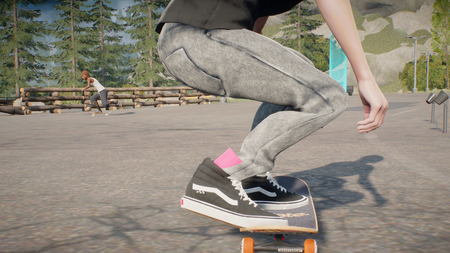
After the update, every board, board sticker, tattoo, trucks I put on seem to be in low res. This wasnt an issue before the update. I have messed around with graphic settings and still the same. Im on PC btw. my pc specs are i7 7700 RTX 3050 6gb 32 gb ram 1tb PNY ssd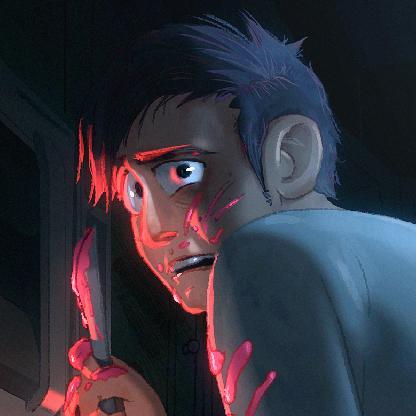
Missing elements when veiwing my friends' player card.
Whenever I tried to hover one of my friends player icon's in the map, their player card would only display this certain error/UI. I wont be able to spectate or teleport to their location. Even when it does, it will appear the wrong player's name even he/she is not in my friend's list.4Views0likes0Comments
Skinny Pants clipping and mesh quality
My character is Height 1, build 2, hips at 0, back at 50. Clipping issue: Quality issue (extremely pronounced crack): My crude drawing exaggerates the issue but it gets my point across the shape and proportion of the skinny pants dont need to change, they do actually taper straight from the backside like that if theres a lot of room in the fit/cut of the pelvis. The proportion sizes and overall profile should stay the same, I just think the crack is physics defying and goofy. Maybe the model is a super accurate scan of a thing IRL, but in motion and in various poses the crack looks odd - it should be smoothed over to some extent. this 2nd issue seems subjective, but it should at least be looked at by a creative or a character designer who might realize it looks odd. other pants have this issue and I got into more detail on it in this post: Too much "crack" in some recent pants | EA Forums - 13698050 I really love skinny pants, I was hyped that they are finally added, but its a shame it kind of looks a little scuffed at the moment.11Views0likes0Comments
Texture bug on face and tattoos
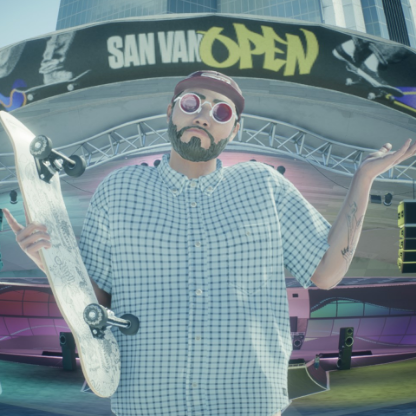
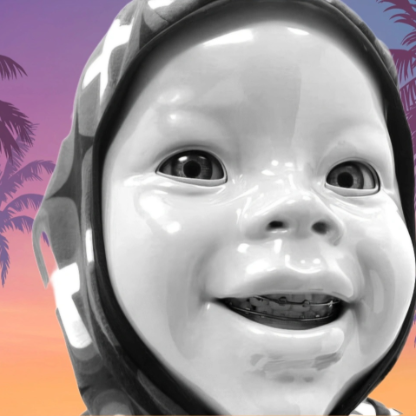
Since updating to Season 5, my character's face, as well as the faces of other players, are covered in strange green dots. The issue occurs consistently in: The game The Replay Editor The Appearance/character customization menu I have tried changing different elements of my character's face, but the green dots remain. Changing the texture quality setting also has no effect. I have already tried: Restarting the game multiple times Changing my character's facial features Changing the texture quality settings Verifying the game files through Steam None of these steps resolved the issue. Additionally, tattoos are now appearing unusually chopped up and heavily pixelated. The issue started immediately after updating to Season 5 and affects both my character and other players' characters.11Views0likes0CommentsSUMR CAMP = Poor Programming.
Ive come across about 6 spots so far that SHOULD be epic skate spots, but instead.... UNGRINDABLES! Between the amount of spots that you can't grind for some reason, there are also numerous locations where your board just straight up clips through the terrain instead of skating it. Dont get me started on the amazing looking wallie-to-rail on the dock that is completely unsuitable due to it being a PARTICLE ACCELERATOR capable of beaming me to the moon in 0.5 seconds. For free, I will assist you guys in testing future stuff. Its the street skaters buying all your merch, its the street skaters producing thousands of free advertisement videos a day, its the street skaters that actually search high and low and explore every inch of your maps. We are not all Zexy Zek. Actually, the BULK of us do NOT play that way. So many epic spots... gone too waste.
Pavement texture bug
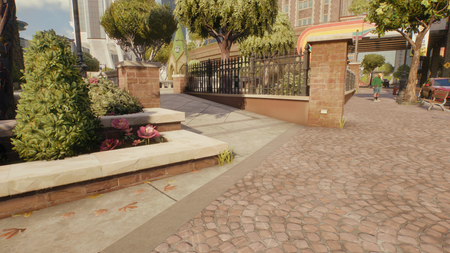
I’ve spotted a bug where several instances of the same texture collide and are left out of alignment. If you look at this image, you can see that the concrete paving slabs on the left are two instances of the same texture, only missing a seam midway through. Those slabs then collide with another set by the bin, where the scale of the texture changes and the slabs crowd together. In the foreground, these sets overlap with confusing and strange looking lines. Bugs like this matter, because texture is used to give the world depth where physical models can’t due to mobile cross-play limitations on polygon count. The bargain is that those textures have to look good and need to be applied correctly, or the visual quality of the title suffers greatly. Right now, that’s not happening.