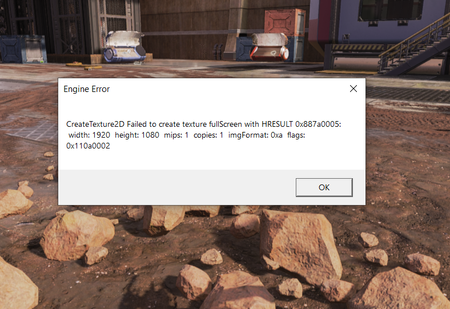
Apex legends - Failed to create texture fullscreen


 Community Manager
I appreciate it, thanks!
What do you currently have your texture detail option set to in the in-game graphics settings?
/Kent

If you mean texture streaming budget then here and if not, I'm pasting the whole video settings of mine. Sorry for the inconvenience!
Community ManagerGot it, thanks!
When you've got a chance could you try lowering the texture filtering settings to see if that makes any difference at all? I've seen some cases where having this set too high can cause some weird issues.
Let me know if you're still getting the same error message afterward.
/Kent
Community ManagerThanks for giving it a shot.
Lowering the texture filtering may also help with this. I noticed that you have it set to the maximum at the moment. Can you try switching it to a lower setting to see if that helps at all?
/Kent