Forum Discussion
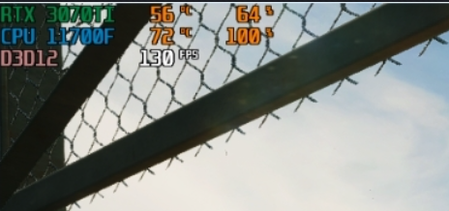
look at this. My 5900x running at 100% while just sitting in the game lobby. My FPS is capped at 100 and no matter what settings i choose its always running at 100%.

Make sure no other software/apps are booting sametime with windows.
reboot pc by a clean boot:
https://support.microsoft.com/en-us/topic/how-to-perform-a-clean-boot-in-windows-da2f9573-6eec-00ad-2f8a-a97a1807f3dd
Hide all Microsoft services, DISABLE (uncheck) ALL other processes, apps and services !
Cleanboot is just a one time clean boot ! Next reboot all will be reset and a normal boot will be occure.
Use msconfig to disable apps permanent each for new reboot.
- In the search box on the taskbar, type msconfig and select System Configuration from the results.
- On the Services tab of System Configuration, select Hide all Microsoft services, and then select Disable all.
- On the Startup tab of System Configuration, select Open Task Manager.
- Under Startup in Task Manager, for each startup item, select the item and then select Disable.
- Close Task Manager.
- On the Startup tab of System Configuration, select OK. When you restart the computer, it's in a clean boot environment.
Now test game and update us.
- Rokebo732 years agoSeasoned Ace
For people who need more performance and a better latency could use this !
Read the instruction first:
This is only for Windows 10 (for Now)
https://atlasos.net/downloads
PS read instruction, it will install a kind of light/stripped windows 10
Check for drivers also at the Atlas website how to download and install.- 2 years ago
Should not have to download a 3rd party program just to play a AAA game because of there bad coding. If the devs / publisher really gave a * about the community they would be on this form 24/7 looking at peoples issues and getting a sense on what's game breaking or just people doing something wrong them self.