Radeon VII - Some Sundance skins crash the game when on screen
Product: Battlefield 2042
Platform:PC
Please specify your platform model. PC
AMD or Nvidia Model Number Radeon VII
Enter RAM memory size in GB 32
Are you using any software with an overlay? No
Which part of the game is the issue happening in? Multiplayer
Which part of the mode? Conquest
Please select your region Australia
On which server did this happen?
When did this happen? (dd.mm.yy hh:mm)
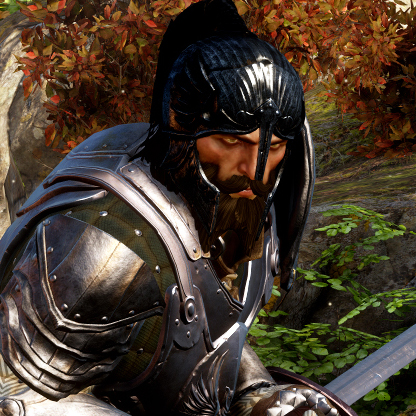
Summarize your bug When you have a Radeon VII graphics card and the specialist Sundance is on the screen in default skin (close up), such as when you are playing Sundance and you die, the game crashes.
How often does the bug occur? Every time (100%)
Steps: How can we find the bug ourselves? 1. use Radeon VII graphics card (any driver, tested all recent including 21.12.1) 2. play sundance in default skin 3. die
What happens when the bug occurs? Game crashes when Sundance is on the screen
What should be happening instead? Game doesn't crash when Sundance is on the screen
As above, game crashes when Sundance is on the screen close up in default skin and you have Radeon VII graphics card. This may also affect some other skins, but I am unable to test because I am unable to play to unlock them...
DICE, I'm a software engineer so let me know if you need any logs or specifics for debugging this. I know this GPU is hard to obtain.
Footage (recorded after update 2): https://www.youtube.com/shorts/SlcAjEFwzd8
Oddly, the STORMBREAKER SKIN IS NOT AFFECTED. DICE Please disable all skins except this one as a temporary workaround considering there will be no more updates for the rest of the year.
Hey @LlamaWithKatana and everyone,
Today we shared the patch notes of our upcoming patch 3.2.
This patch should address the issue -- Fixed a rendering related crash that could occur for AMD Radeon VII users while Sundance was visible on screen.
Once the patch is live, I would love to hear if the issue is resolved for AMD Radeon VII users.
Regarding other crash reports on AMD cards in this thread, please keep sharing any related information about the issues and I will take a look. I am interested to know if you see the crashes frequently when doing a specific action.