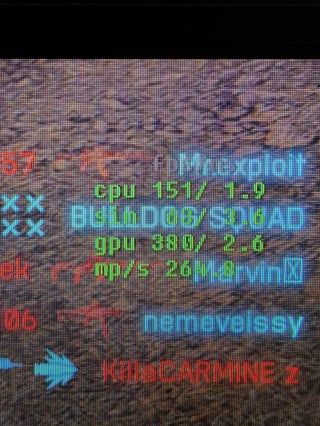
Hello, i have problems with FPS in game. My ingame graph says, i have much lower CPU fps than GPU. It causes stuttering on 280hz screen. I realized that my CPU FPS is alot lower than GPU fps in...
Hello, I had a problem right after downloading the game: it lagged really badly, even though I updated everything, enabled Security Boot in the BIOS, and did a data recovery in Steam. Nothing helped, only downloading 32 MB of anti-cheat files. Everything was fine the next day, but it went away on its own. Yesterday, the same problem started again in the evening. Even though I was playing 180 fps during the day without any lag, it dropped to 30 fps in the evening. I even updated to Windows 11 and reinstalled the game. What should I do?
And my fps actually increased a bit after I upgraded to Windows 11 from Windows 10. I was running around the map and saw drops to 40-50 fps, but I didn't manage to capture them...
The_Lupa_hs this screenshot has the best CPU performance out of all the screenshots you posted. Notice how the yellow CPU line isn't spiking up really high?
Ideally the yellow CPU line should be a flat line like the green GPU line is.
The screenshots with the custom user.cfg have really bad yellow CPU line performance. The yellow CPU line is spiking really bad.
Try disabling the CPU efficiency cores (E-cores) in motherboard BIOS settings and see if that helps BF6 performance. If it doesn't help then turn E-cores back on.
Make sure to take a picture of BIOS settings with your phone before changing them.
I don’t know how, but now everything works better, even though I stopped doing anything Of course, FPS is not very much, but 120 is better than 30-40 fps
Having issues with Battlefield 6? Join here to find help with connectivity, performance issues, crashes and more.Latest Activity: 37 seconds ago7,580 Posts