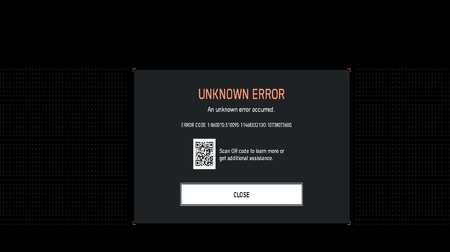
Steam - Unknown Error 1:86001S:51009S:11468332130:1073807360Q

The quality of EA help support is absolutely unacceptable.
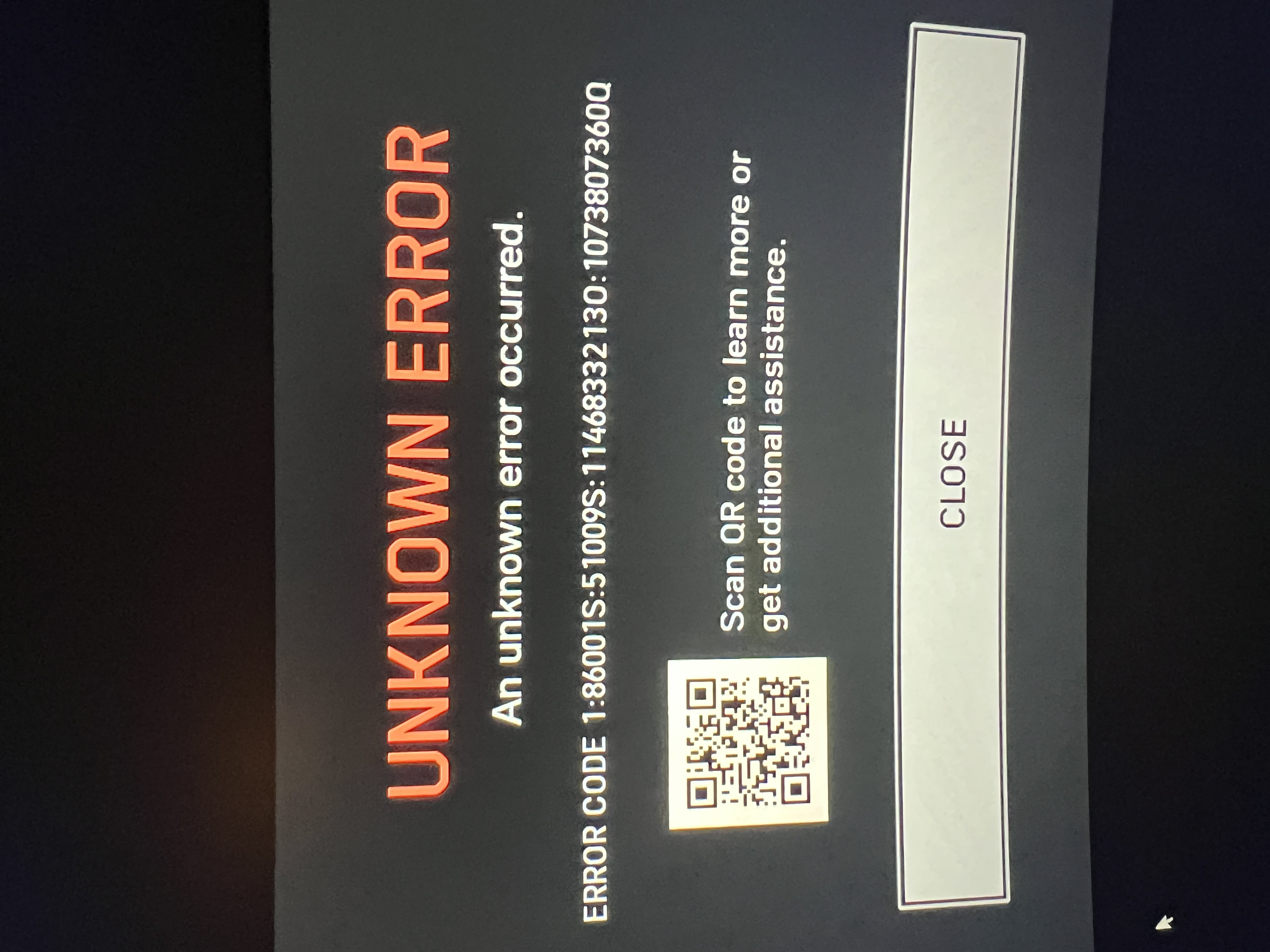
I was able to play launch day until around 11PM EST and have not been able to play the game since as it's giving me error code 1:86001S:51009S:11468332130:1073807360Q . I've literally spent the last 24 hours being constantly lied to by support or having them just instantly close chats and nobody can explain what the issue is when it's account related and not hardware / networking related as other people can login to their accounts on my computer and play the game just fine and my issue persists if I try to login on their computer that they're also able to connect to the game on.
This is the current chat I'm having right now and this is absolutely ridiculous.

I was able to play one game on launch day. I updated my profile name waiting to group up with friends and have been receiving the unknown error with the same error code any time I try to play after it shows the server queue.
Tried uninstalling reinstalling and any other suggestions to fix issue. My downloaded EA data has status reason "BANNED_ACCOUNT_TAKEOVER" but when finally got through to EA support they show no bans or penalties or any issues with my account.
Spent most of Friday night and Saturday trying to get an answer or solution through EA support but they were not able to provide any reason or way to fix issue. The closest reason they found was the following.
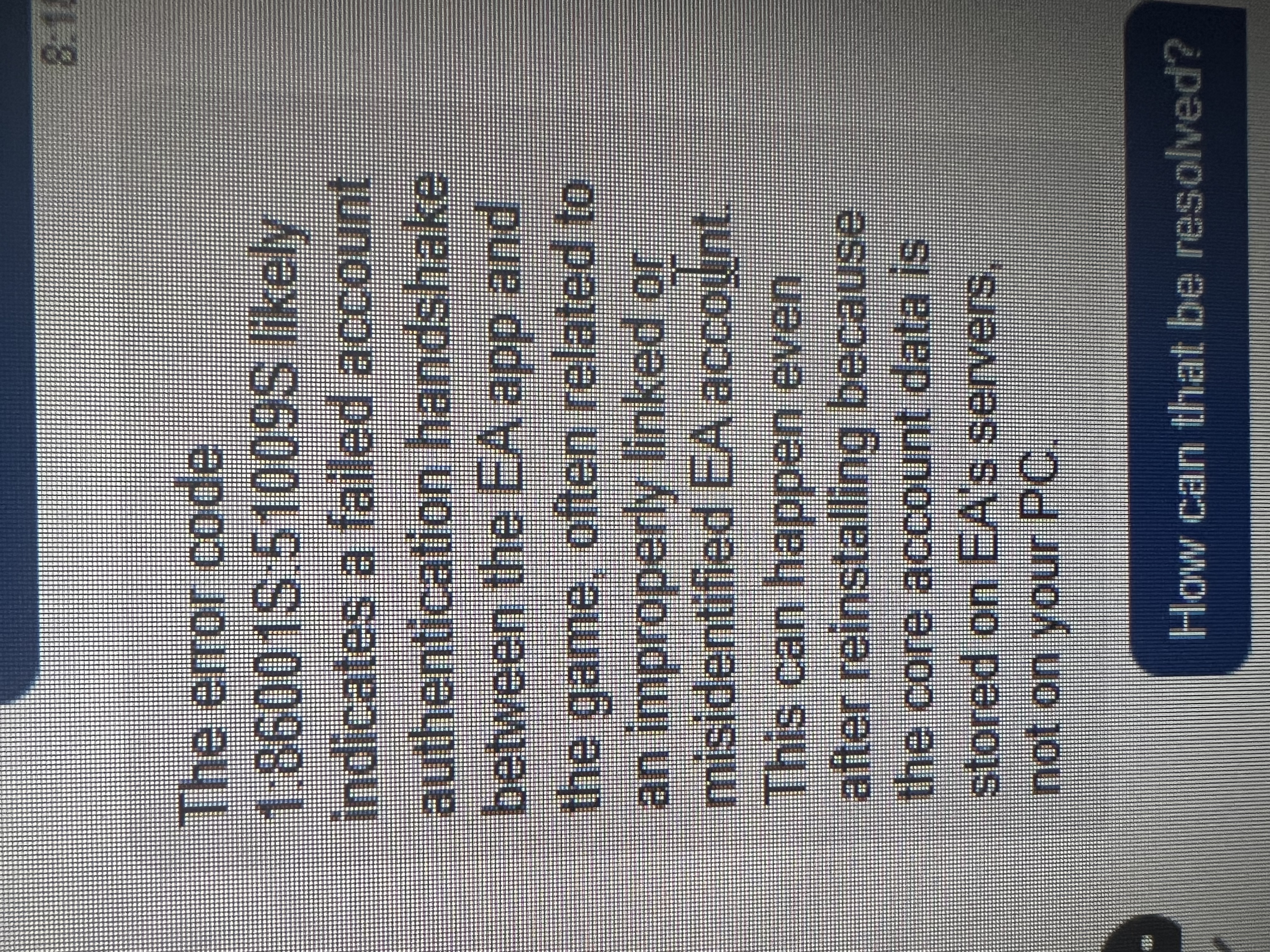
"The error code 1:86001S:51009S likely indicates a failed account authentication handshake between the EA app and the game, often related to an improperly linked or misidentified EA account. This can happen even after reinstalling because the core account data is stored on EA's servers, no on your PC."
They said the only thing I could do is wait a while and see if it works later but with no timeline and not seeing this issue as a listed known issue being worked on that's frustrating having no idea if or when this will get fixed.

Same here. Played on launch day only to get the same error ever since. Live chat claims is a bug they are working on, but it’s happening with a lot of EA games. They said it wasn’t account related even though I find it highly unlikely.
Exact same situation. Have spent all weekend just watching everyone else play while no updates have been given on this anywhere.
I posted an update and how I got it to work on another thread so adding that here if it helps anyone.
Was able to get more help and from an EA advisor that actually looked into my issue and account. Somehow updating my profile name and my EA account name and Steam display ID matched caused the error. If EA and Steam linked they can't have the same display name for some reason...
After he looked into it more and tried multiple things like flushing DNS cache, disable 2FA, repairing game, logging out and back in he was pretty sure my original EA account is completely block from BF6 and accessing the servers because of the linking issue.
He said I could try another email or EA account, sign up for EA pro play and test playing BF6. I had another EA account and email that I did not used but tried it and it works no problem. I asked for a refund on the game and will probably cancel EA pro play and purchase again.
So good news is I am able to play. Bad news probably out the $16.99 EA pro play just to test as well as hours of testing and trying to fix all weekend. Also, lost any and all progression and rewards from other Battlefield games on the new account.
If you have the game only on EA app, you can try and create a new account and play through there. You won't need to reinstall so it's quick to test. If you're linked between Steam and EA app he said both accounts need to be new created accounts to get around being blocked in the EA server.
Hope this helps someone if they're desperate to play or find a fix even though it's not ideal.

so basically we’ve been shawdow banned but it doesnt show that we are ? And they dont know how to fix the error on their side
Had a similar error. Have BF6 on PS5 and been playing right. RedSec came out and works fine on PS5. So I decided to download RedSec on my ROG Ally X. I went the EA app route and got hit with error: 1:86001S:51009S:-17636452900:4128769Q
Said my account was restricted. Did all the network reset, DNS flush, changed DNS, repaired files, made sure public and private permissions were enabled, etc. Also spoke with support who let me know it’s a known issue and to wait for a fix essentially. Then I uninstalled and downloaded it through steam and it works just fine. Hope this helps with anyone who downloaded it through the EA app.
I am having the same issue when i tried to launch the game on the Ally X (only mine is the xbox one), so you just switched over to Steam as opposed to the EA app? did you have to purchase the game again?
Bro, thank you! I had this exact error code today and yeah, it was an issue with launching through the EA App but having had purchased through Steam. Something about it doesn’t work right. Uninstalled via EA app and just launched right through Steam right away
I as well had this issue. I also have issue with my ps5 and the game freezing and crashing. So I figured I would us my pc and still be able to use my ea that I use on my ps5. But then I got that restrictive msg. So I saw on this a guy uninstalled the game off ea app and tried it with steam and worked for him. So 2nd time downloading the game and it worked for me. I just had to link steam to my ea account. I found the game loads way faster in steam as well. Now if only they could fix the issue with the ps5. I paid for the full game and can't play it.