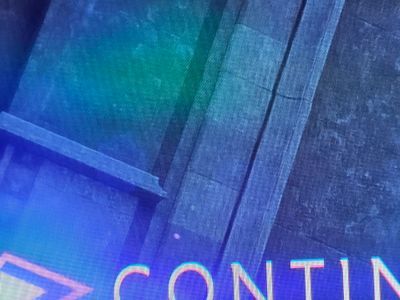
Strange lines on the screen, PC, 4k

@HUN_VityooFor what counts, I have intel A770 and didn't encounter this kind of problem - 1440p /60Hz borderless mode. I use a form of v-sync to limit fps to 60 when gets higher or disable it when gets lower.
If you care for a test, try xess for upscale method (instead of dlss) at ultra quality plus, see if the problem persist. Also you can play a bit with settings for ambient occlusion (on different machine and different game I had same problem caused by additional shadow dropped by AO).


This looks like a dithering issue, and it seems it only appear with specific monitor configurations.
This might be extremely hard to replicate for Bioware.
Do you use HDR?