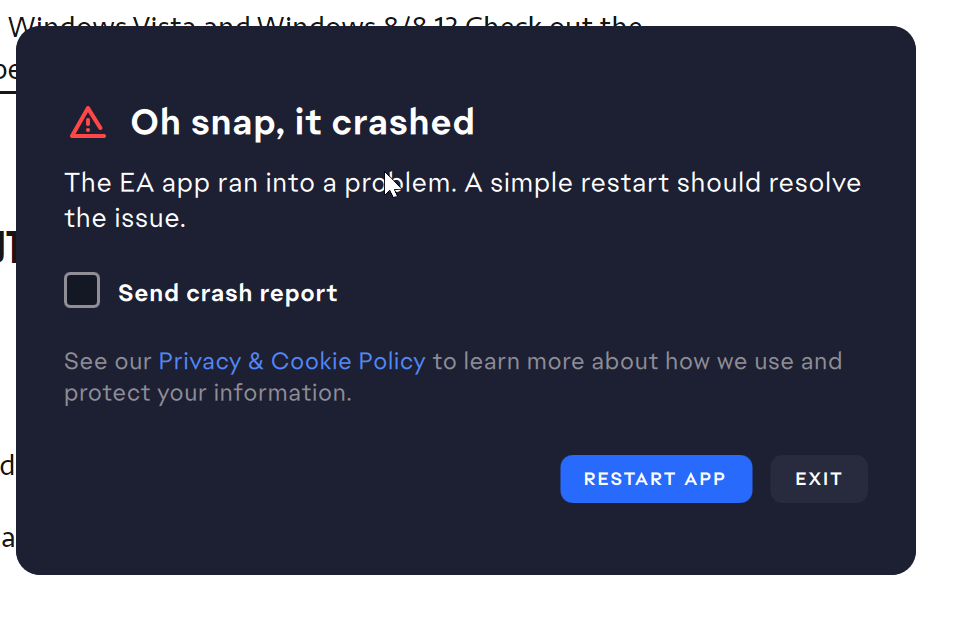
Ea App Crashing
Product: The EA app
Platform:PC
Error Report ID (learn how to create an Error Report ID in the sticky post)
Which client functionality are you experiencing this bug with? Performance
When did this happen? (dd.mm.yy hh:mm) 05.12.22
Summarize your bug Ea App Crashes with Error (attached).
How often does the bug occur? Every time (100%)
Steps: How can we find the bug ourselves? Can't say for sure as it just started crashing randomly.
What happens when the bug occurs? App shows Error and tries to launch EA updater.
What do you expect to see? EA app launched
Ea App Crashes with Error (attached). Also is gives error of Not able to launch Ea Background Services (attached) but is shows running in task manager. I have already tried reinstalling app and starting it in clean boot but still it wont launch.
@EA_Barryhey thanks for reply, unfortunately that also didn't work.
But the an another work around lead me to a Solution which solved my problem. Mentioning here incase if any other user might get helped with same problem.
1) we need to Set EABackgroundService to Automatic (Delayed Start), Note: setting it to Automatic don't work so it needs to be on Delayed Start.
2) Open Command Prompt as an administrator and run the following commands:
ipconfig /release
ipconfig /flushdns
ipconfig /renew
netsh winsock reset
note: these are all individual commands
Last command is most important as I had previously tried all other 3 commands and it didn't work for me.
After these commands restart PC. Now Ea App should work!!!