EA_Shepard Community Manager
3 years agoCommunity ManagerRe: EA App Game Library Is Empty? Look Here!
We are tracking a couple of different issues with the EA App. If you are running into the issue of some or all content missing, Please check out the main thread Here.
- EA App - Missing some of your games - You have either logged into the EA App, and your games are missing, or you updated from Origin to the EA App and your games are missing from your library (this includes games showing and others not)
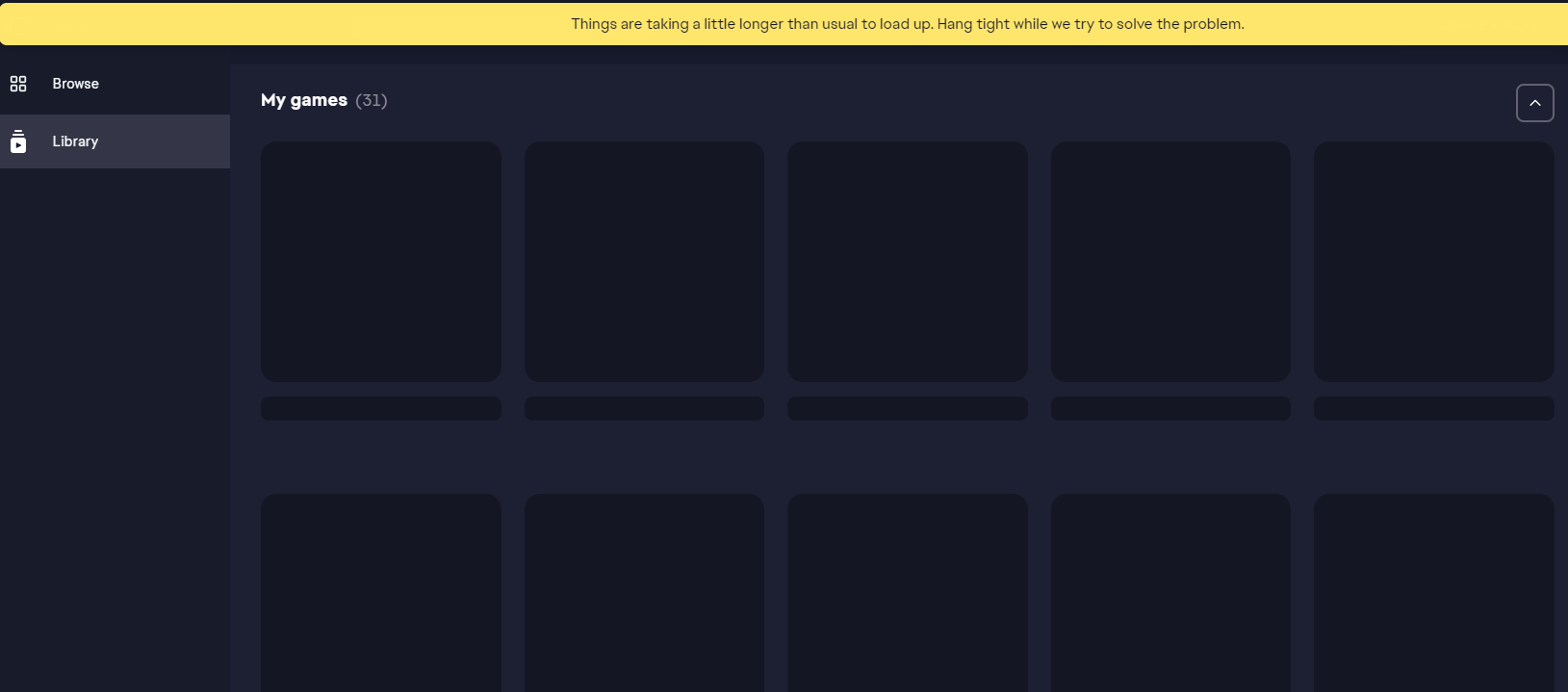
- EA App Game Library is empty - This issue is based more around your EA App library being empty or showing game tiles there but there is no image or option to play
If you are having the Blank Library issue with the EA App, continue with the steps below:
EA App Recovery
- EA App's Cache
- (Top Left Menu > Help > App Recovery)
- Once rebooted, log out of the app
Clean out Windows Temp files
- Press the Windows key + R, go into the file explorer
- Type in %temp%, and hit Enter
- Delete everything it allows you to delete
- Reboot your PC
Additional PC Steps
- Run the System File Checker tool then Check for Windows and GPU updates
- Clean out your registry with our Troubleshooting Graphics issues
End Background Task
- Go to your task manager -> CTRL + ALT + DELETE
- Locate your full list of apps
- Close the EA App if it isn't already
- Locate the "EA BACKGROUND SERVICE" app and End Task
- Run recovery again
If these steps do not help, please continue to post your info below along with your Error Report ID
- Platform:
- EA ID - (Profile username)
- Date/time issue originally occurred:
- Summarize your bug:
- How often does the bug occur?
- Error message(s) if any:
- Steps: How can we find the bug ourselves?





.png)