Forum Discussion

Re: EA App Game Library Is Empty? Look Here!

Hi!

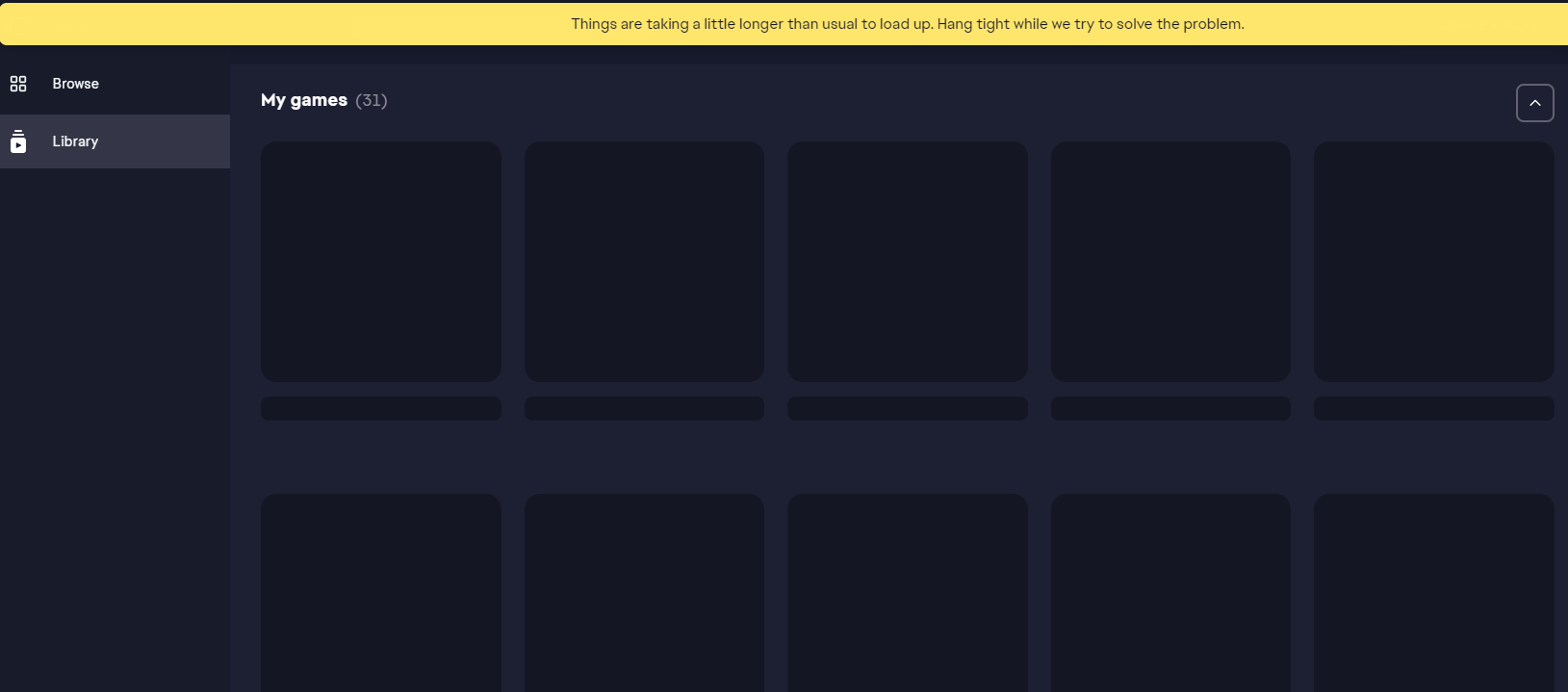
I have precisely the same issue: the tiles are showing empty in the library, and I can't play any games. I ran through the recommended steps in this thread, and it didn't help. Could you please help me?

  • Platform: Windows 10
  • EA ID - (Profile username) Xiaur
  • Date/time issue originally occurred: I don't remember, I tried multiple times before posting here. But it happened when I switched from Origin to the new EA App.
  • Summarize your bug: The game tiles in the library are empty.
  • How often does the bug occur? Every time (100%)
  • Error message(s) if any: "Things are taking a little longer than usual to load up. Hang tight while we try to solve the problem"
  • Steps: How can we find the bug ourselves? Open the game library on my computer (or many other people who still have the problem in this thread)
  • Error Report ID: 32d686a4-afee-4767-ba7f-a4f1d11dc5b4

Thank you!

6 Replies

  • Xiaur's avatar
    Xiaur
    3 years ago

    @Courtneyj19  Thank you. Do you know of any new solutions people successfully used to fix this problem?

    I submitted a support case to EA, but they haven't replied.

  • I also need help, I am on a new laptop and used to play games on Origin.  When i logged into the account I used previously, all my games are gone.  I had The Sims 4, Sims 4 Get to Work, Sims 4 Cats & Dogs, Dragon Age Origin, and Dragon Age 2.  I know I am using the correct account.  I have submitted a case and already tried all of the things on this thread, which aren't working because I'm on a new laptop and need to download the games again...I have already purchased the games and don't wish to buy them again

  • LibraryLady0630's avatar
    LibraryLady0630
    3 years ago

    This just happened to me for the second time today. The first time was a few months ago, and clearing the cache solved the problem. Now it's saying that I have not purchased any of the expansions, kits, game packs etc. that I have (neither on the EA App or on the EA website). It says all I own is the Sims 4...but that's because I downloaded it for free hoping to kickstart my game and bring back my expansions etc. It didn't work, obviously. 

    I have submitted a ticket but I'm going to be super annoyed if EA makes me go back and try and find proof for every single thing I've bought over the last 6 years for this game. 

    Anyone have a fix when I've already updated the app, uninstalled and reinstalled, cleared the cache, did the %temp% thing mentioned a few pages ago? I'll try whatever at this point.

    I have opened a ticket with EA in a few different places, including in the APP. 

  • EA_Shepard's avatar
    EA_Shepard
    Icon for Community Manager rankCommunity Manager
    3 years ago
    @LibraryLady0630 Please keep in mind that if you have opened more than one ticket, they will be closed as duplicates. You said that the app shows you don't own then at all and just the base game. What we have seen is that when this happens, most players are actually on the wrong account. With Sims players specifically, more often than not, there is more than one account.

    Can you log into your EA profile and check your order history and see if you have all of that purchased content listed there?

Featured Places

Node avatar for EA app Technical Issues & Bugs

EA app Technical Issues & Bugs

Having issues with the EA app? Join us to report bugs, and find help with downloads, DLCs, purchases, and login errors.Latest Activity: 4 minutes ago
8,481 Posts