Re: How to fix EA app Error 500?
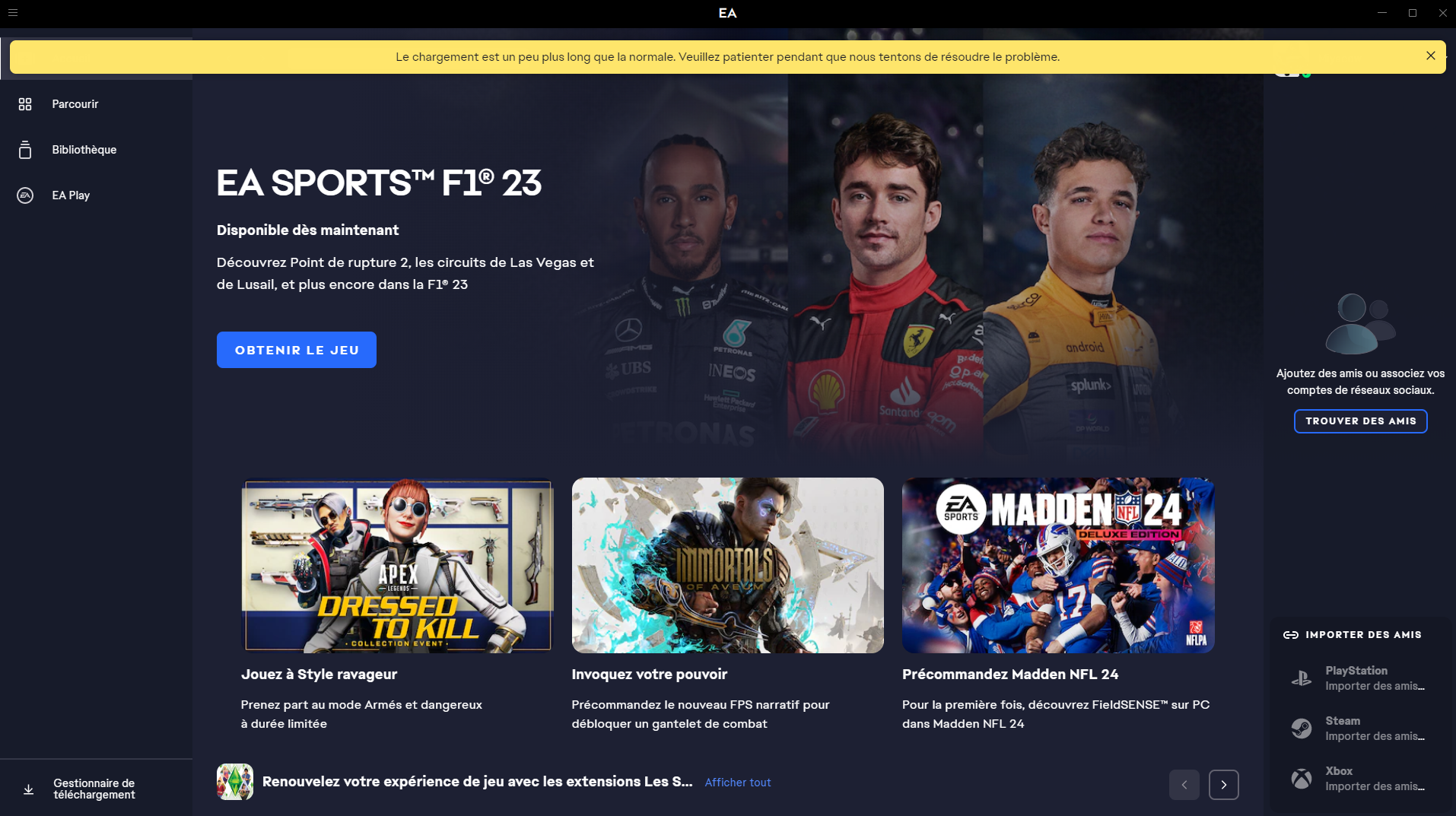
@cowsnap sorry to hear about your issue. Indeed, it is not the same as mine. I used to get the error 500 when opening the app and trying to go to the library but now it does not even show the error code anymore. I just don't see anything in my library and cannot start or search/buy any game. I still get the message on the main page saying something like "loading is taking longer than expectect" so my problem is still fundamentally the same though (see pictures).
It gets solved after I use the EA updater or restart my PC. After that, my EA app works fine. My games show in the library, I can update or start the games, buy and download new games without issue. Sorry to hear that it does not help solving your issue as well. I hope you find a solution soon!
@EA_Leeuw thanks for your answer but I believe we all still have these issues. Even if some of us have found some ways to temporarly solve the issue, it doesn't change the fact that the error happens everyday since beginning of year and that we haven't been provided with a permanent solution/fix yet when this discussion has been going on for months already.
These issues are very frustrating so please do whatever you can to solve it as soon as possible!
Many thanks