Kr8_HU
2 years agoNot applicable
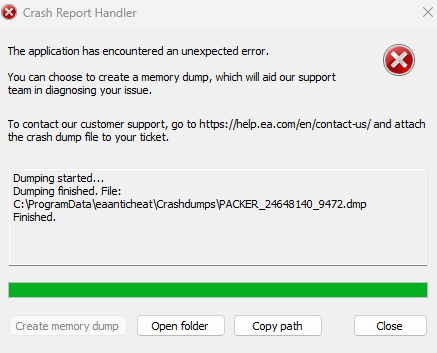
Re: FIX THIS ERROR ASAP! "eaanticheat\Crashdumps\PACKER_1658515_20932.dmp"
did you click on the update button after the repair done? i think it's necessary, otherwise it won't work. And looks like you did not select the game from the drop down list.
1. select the game from dropdown list.
2. click on repair.
3. select the game folder after the alert window shows up
4. wait for repair
5. when install success, click on update button
6. wait for it, it can be a bit slow
7. after a few secs the window suddenly gets closed. At this time the AC restarting and you need to wait until you get the "update success" result.
sorry for my english 😁