Forum Discussion

Mike123soccer's avatar
Mike123soccer
Seasoned Newcomer
3 days ago
Solved

Shards Bug

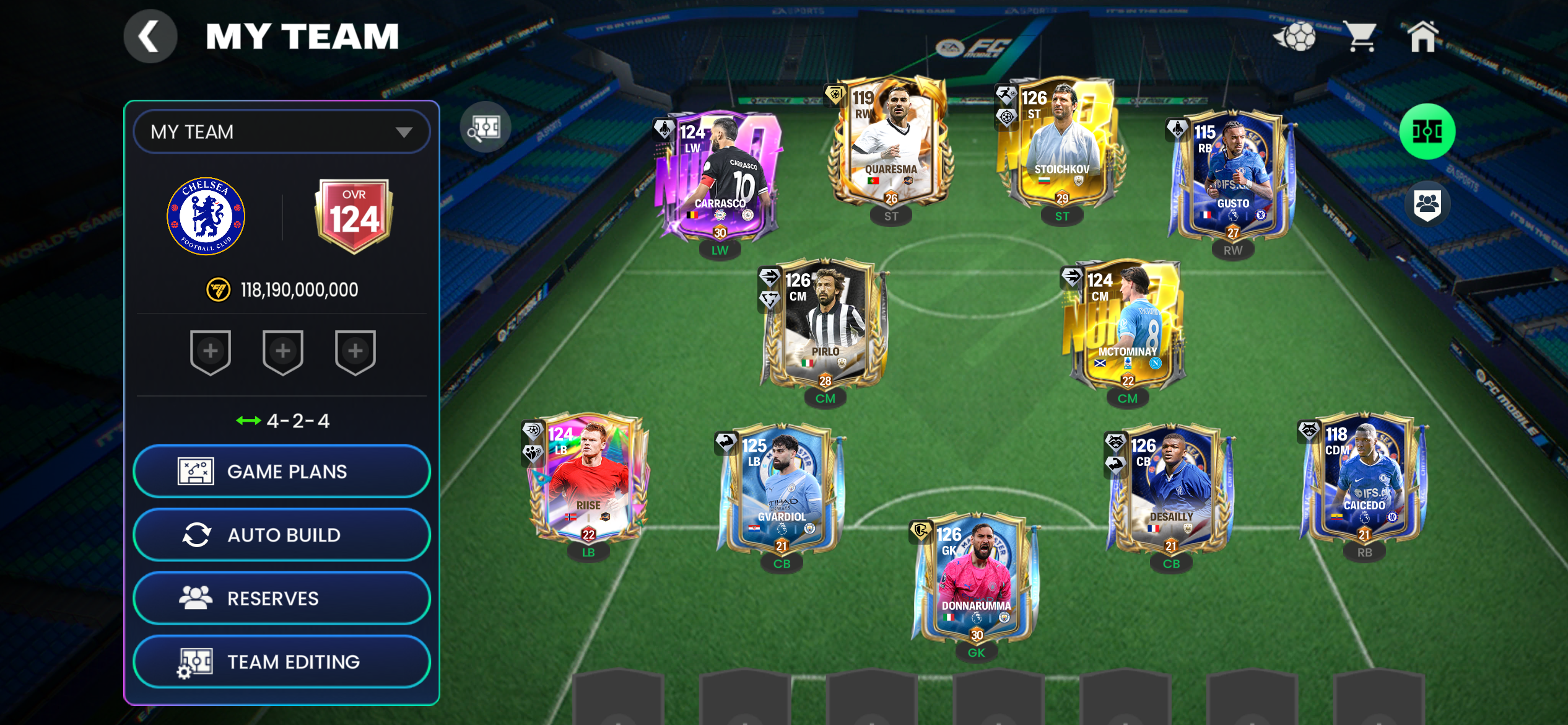
I have 119 Joao Pedro ranked to 124, don’t have him in any of my lineups or on the bench and also 119 Jamie Carragher ranked to 124, not in my lineup and want to exchange them for signing shards. However, it says that they are in my lineup but they’re not so it’s not letting me exchange them. 

  • As Mendoza mentioned, don't forget to check all your Gauntlet lineups.

    1. Go to Gauntlet Mode and open your lineup screen.
    2. Tap the OVR number in the top-left corner of the screen.
    3. This opens a list of all squads you've used across different levels.
    4. Check every squad and reserve on that list and remove the locked players.

6 Replies

  • EA_Pulsar's avatar
    EA_Pulsar
    Icon for Community Manager rankCommunity Manager
    1 day ago

    You would need to reset your Gauntlet to edit your lineups. 

  • What about the Kickoff Gauntlet lineup? It's hidden from my sight and I have multiple starting 11s locked there

  • EA_Pulsar's avatar
    EA_Pulsar
    Icon for Community Manager rankCommunity Manager
    2 days ago

    That's great to hear. Thanks for the update!

  • EA_Pulsar's avatar
    EA_Pulsar
    Icon for Community Manager rankCommunity Manager
    3 days ago

    As Mendoza mentioned, don't forget to check all your Gauntlet lineups.

    1. Go to Gauntlet Mode and open your lineup screen.
    2. Tap the OVR number in the top-left corner of the screen.
    3. This opens a list of all squads you've used across different levels.
    4. Check every squad and reserve on that list and remove the locked players.
  • They will probably be in a gauntlet line up - if you have completed gauntlet, go back in and reset the matches that they are in the line up for to clear them out and have them available to use for shards

    The EA team is aware of the issue