Error code CE-108255-1 on PlayStation
Product: STAR WARS Jedi: Survivor
Platform:PlayStation 5
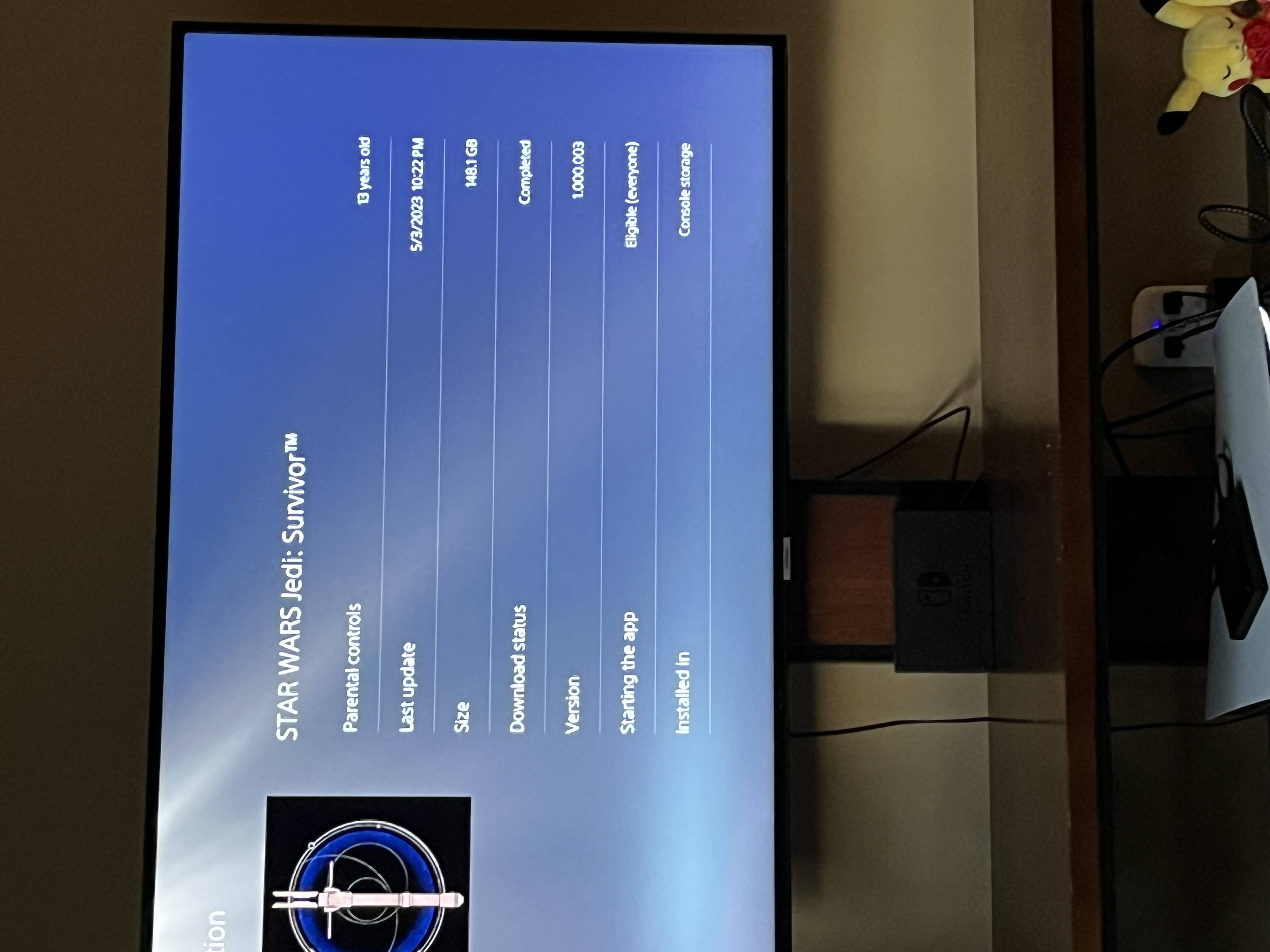
Summarize your bug I can’t play this game. I can’t get past the screen to select difficulty. I’ve Deleted and re-added the game numerous times, tried 2 different physical copies, tried the digital version, I’ve ensured both my console and game are fully up to date (even with todays patch upgrade to .003). I’ve tried in performance mode. I have cleared my cache a number of times, rebuilt my database, renewed licenses, factory reset my console twice now. I still cannot get the game to work. CE-108255-1 error. What do I need to do to play this game. I can play Hogwarts Legacy, Kingdom Hearts 3, and Spider-Man just fine. It’s only this game.
How often does the bug occur? Every time (100%)
Steps: How can we find the bug ourselves? Go into the start menu and try to start the game
What happens when the bug occurs? The game crashes
What do you expect to see? To start the game and actually play the thing I spent a lot of money on
I’ve .
Deleted and re-added the game numerous times, tried 2 different physical copies, tried the digital version, I’ve ensured both my console and game are fully up to date (even with todays patch upgrade). I’ve tried in performance mode. I have cleared my cache a number of times, rebuilt my database, renewed licenses, factory reset my console twice now. I still cannot get the game to work. CE-108255-1 error. What do I need to do to play this game. I can play Hogwarts Legacy, Kingdom Hearts 3, and Spider-Man just fine. It’s only this game.
CM edit: edited title for clarity.
@everyone
This issue is currently being investigated by the relevant teams.
In other games, we have seen recently that reducing the number of people in your friends list to below 100 can help.
Additionally, we have seen some success with players who delete their cloud save for the specific game. LINK
If possible, we would be very appreciative if you could post a video of this error occurring as that will help with our investigation.
The above steps/workarounds may not work for everyone but may help while we look into this.
Again, the first three steps from PlayStation at the link below may help too but Steps 4 and 5 are not advised at this time.
https://www.playstation.com/en-ie/support/error-codes/ps5/ce-108255-1/
Thanks.
*marking as solution for player visibility