@Haanbeii It's a good idea to run a couple of basic checks on your Windows system files. Here's how:
- Hit Windows key-X
- Choose either “PowerShell (Administrator)” or “Command prompt (Administrator),” whichever option is offered
- Inside the window that appears, copy and paste “DISM.exe /Online /Cleanup-image /Restorehealth” without quotes into the window, and enter
- The system will start validating soon. If it throws an error, please list it here
- After it reaches 100%, hit Windows key-X again
- Again, choose “PowerShell (Administrator)” or “Command prompt (Administrator)”
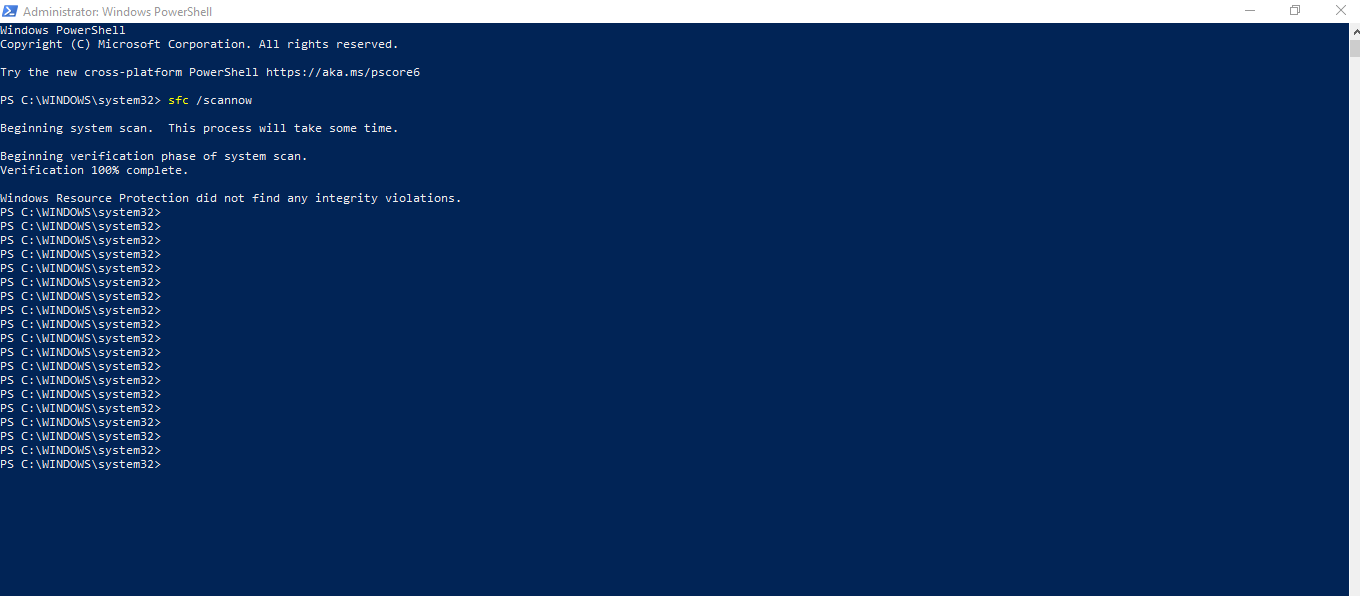
- Inside the window, copy and paste “sfc /scannow” without quotes into the window, and enter
- Post the message you receive here
If that doesn't help, replace all the VC++ runtimes at once. Here are instructions:
https://answers.ea.com/t5/Technical-Issues-PC/64bit-version-wont-run-on-my-64bit-system/m-p/8798443#M167830
If that doesn't help either, let me know, and I'll see if I can get a second opinion.