[Current Issue] Sims 3 "serious error" when loading save
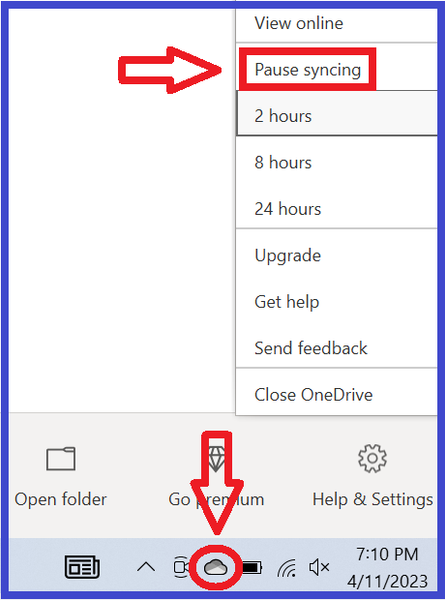


Bibi_Eindhoven When you say you turned off OneDrive, how did you do so? Or rather, did you move the Documents directory out of the OneDrive folder? To see the full location of a file or folder, you can right-click it and select Properties > General, then look at the Location.
Please check your Sims 3 folder, if you already know where it is. If not, check both these locations:
C:\Users\your username\Documents\Electronic Arts\The Sims 3
C:\Users\your username\OneDrive\Documents\Electronic Arts\The Sims 3
Let me know which folder is current (or which one exists, if there's only one). The date on DeviceConfig.log should exactly match the last time you opened the game. If it doesn't, the folder it's in is no longer being used, and there will be a newer one somewhere else.

I'm actually having the same problem...I just got the Sims 3, I can't seem to get pass going to Sunset Valley....but I also noticed that it did come with a TS3W file? Is it not supposed to have one for the Worlds( towns)? I just need some help getting this game start...