4 years ago
Possible Graphics Issue?
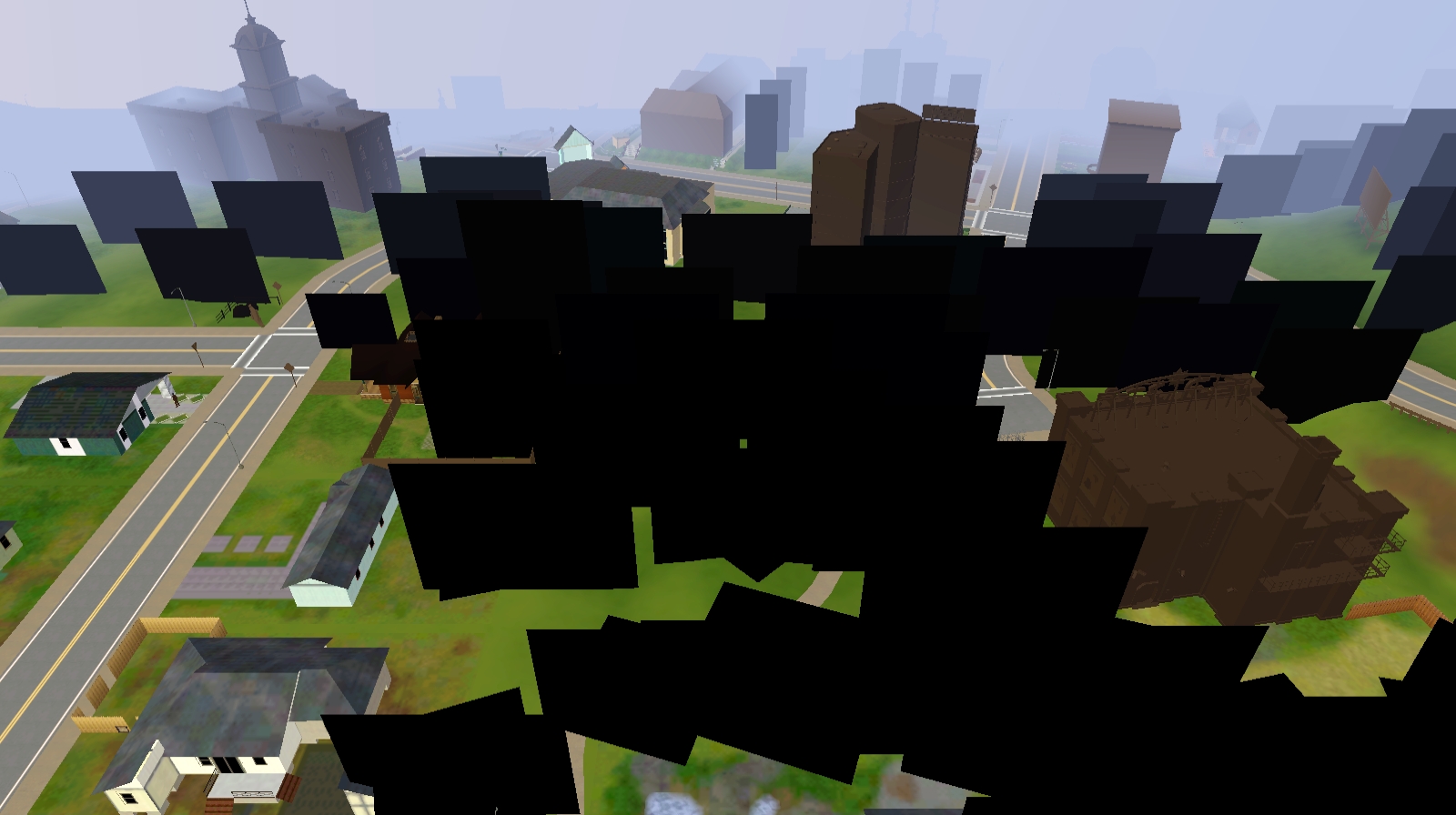
My sims are weird looking and the lots show up as black. This suddenly started happening when I switched to a new laptop. I think this has something to do with my graphics card but I tried reinstalli...

@stacieokay12 Please go into Documents\Electronic Arts\The Sims 3 and delete the file labeled options.ini. The game will create a new one the next time it loads, with all default settings. Don't change any of the graphics options, except the resolution if you want; just load a new save and see how it looks.
If that doesn't help, please let me know what kind of install this is: disc, Steam, or something else. Please also post the first 40 lines of deviceconfig.log, in the same Sims 3 folder; you can stop when the "Options" section starts. You can delete your user and computer names, about 25 lines down, if you want, but the file doesn't contain any other personal information.

@stacieokay12 Did deleting options.ini help? If not, please open your Steam library, choose Sims 3, click the gear icon to the right of the title, choose Manage > Properties > Local Files, and click the option to verify the integrity of the local files.
Restart your computer, and don't open any other apps, not even Steam. Just launch the game from TS3W.exe, which should be here:
Program Files (x86)\Steam\steamapps\common\The Sims 3\Game\Bin
When playing, make sure your laptop is plugged in and charging.