Re: [READ FIRST] Unrecognized video card
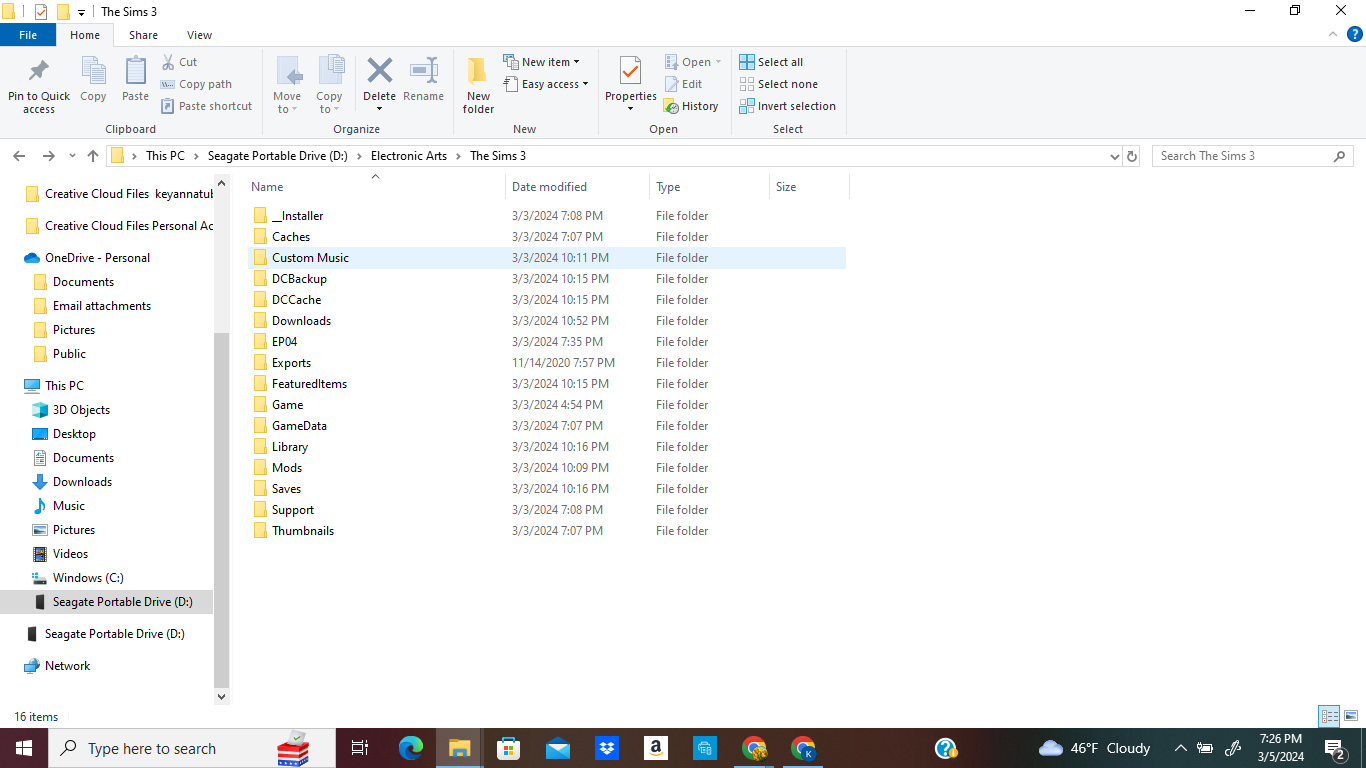
Hi @puzzlezaddict - I'm having this sort of issue with my Sims 3 game. I saw that this was the most recent thread for the unrecognized card issue, so I thought to reach out here. So, I would try to find the "config.log" or "DeviceConfig.log" file under "\Electronic Arts\The Sims 3\" but couldn't find it anywhere. However, I was able to find relevant information under "\Electronic Arts\The Sims 3\Game\Bin".
That is where I found the 'GraphicsCard.sgr' and 'GraphicsRule.sgr'. I have not made any edits or changes to it because I am not an expert on handling these, but I did leave some screenshots attached so you can get an idea of what could be going on. I have also attached a screenshot of the DirectX diagnostic Tool, Device Manager (Display Adapters), Graphic Card Properties, the Error message I got on the Sims game launcher, a purple tint issue example (caused by graphics), and the System Summary overview of my PC.
Things I have done: I checked my graphics to see if it was the latest one. Windows says that the best driver for my AMD Radeon (TM) R5 Graphics card is already installed on my system. So, I checked on the AMD website and I did see that R5 is the latest one. Could it be that my graphics are too new for EA? I have uninstalled and reinstalled my game before (this was recent), because I needed to free up space on my computer so I transferred my game to my external SSD drive (Seagate Portable External Drive). The 'purple tint' issue was happening long before I transferred it to my other drive. It just happened after months of not playing so I think perhaps an update was done on my laptop that made my graphics too advanced for the game, but I am not sure. Sorry about the lengthy info, I was trying to provide as much as I could that may give you the best idea of what I could do. Any help is greatly appreciated!
Thanks 🙂
@Keyanna4211 This is a guide to the AMD Adrenalin (graphics control software) app. Please try changing the settings in step 3:
https://www.amd.com/en/support/kb/faq/dh3-021
You can change them back again right away; the idea is to make the software think about the color tints. It's probably enough to change the settings just for Sims 3 (TS3.exe if you've installed through the EA App; TS3W.exe, with the W, otherwise), but you can try the global setting as well. Let me know whether that gets rid of the purple.