Forum Discussion


allieev
1 year agoNot applicable
The error occurs when I attempt to launch the game in the EA app. It also gives me the same notification when I double click the Sims 3 launcher through my desktop. I attached some screen shots of the error.

puzzlezaddict
1 year agoHero+
@allieev Please try launching the game in a new admin Windows account. Make it local, as in, don't link it to your Microsoft account. You'll be able to open the EA App and (try to) launch Sims 4 without reinstalling anything.
If that doesn't work, please try playing in a clean boot, still in the new account just to be thorough.
The one service to leave enabled is the EABackgroundService, which the EA App needs in order to run. Disable the rest as described.
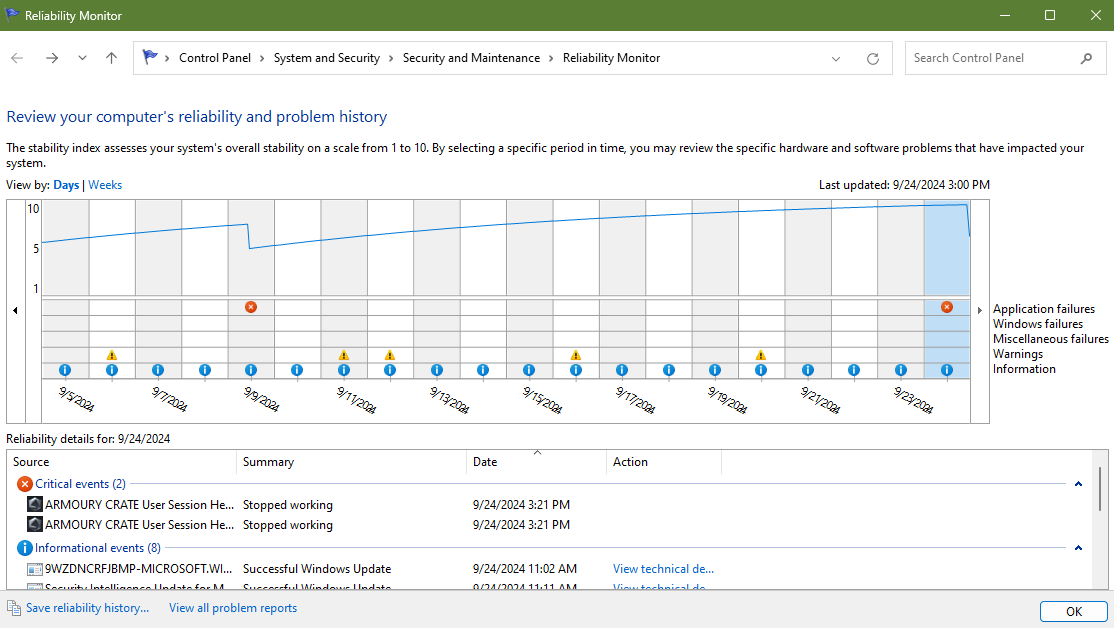
When you reboot your computer, go through the Task Manager's background processes list shutting down any service that doesn't absolutely need to be running, for example anything from MSI Afterburner to RGB software might still be enabled, and ArmouryCrate too. If you accidentally kill a critical process and it doesn't restart on its own, just reboot your computer again.
Don't open anything other than Sims 3 and the EA App while testing, not even a browser window.